
Key facts
- Brand
- SONY
- Model
- HC48E
- Category
- Camcorders
- Industry
- Electronics
- Documents
- 2
- Languages
- ZH · JA
- Last added
- 2000-01-01
Start here
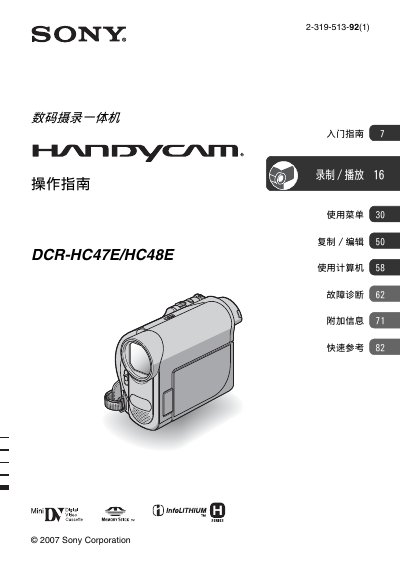
SONY digital Videography all-in-oneDCR-HC47/HC48E operating instructions
This operating guide covers the Sony DCR-HC47E/HC48E digital camcorder. It explains initial setup, including checking supplied items, charging the InfoLITHIUM battery pack, setting the date and time, changing the display language, and inserting a cassette or Memory Stick Duo.
The guide also covers recording and playback, including Easy Handycam, zoom, NightShot plus, exposure adjustment, mirror mode, 16:9 or 4:3 aspect ratio, playback zoom, and guide functions. Additional sections cover menu items, copying and editing, connecting to a computer, troubleshooting, maintenance, specifications, and a quick reference. This manual is written in Chinese.
SONY HC48E specifications
| Recording media | Mini DV cassette and Memory Stick Duo |
|---|---|
| Aspect ratio options | 16:9 or 4:3 |
| Supplied battery pack | NP-FH40 |
| NP-FH40 charging time | 125 minutes |
| NP-FH50 charging time | 135 minutes |
| NP-FH70 charging time | 170 minutes |
| NP-FH100 charging time | 390 minutes |
| LCD and viewfinder effective pixels | Over 99.99% |
| USB cable length limit | Shorter than 3 meters |
Source: SONY digital Videography all-in-oneDCR-HC47/HC48E operating instructions
All SONY HC48E documents by type
Day-to-day operation, settings and troubleshooting. Start here if the product is already set up.
Questions answered in these manuals
Which memory cards can be used in the camcorder?
Only Memory Stick Duo media can be used in the camcorder. Memory Stick PRO and Memory Stick PRO Duo are for compatible devices only.
From: SONY digital Videography all-in-oneDCR-HC47/HC48E operating instructions
How do I charge the supplied InfoLITHIUM battery pack?
Install the H-series InfoLITHIUM battery pack on the camcorder, slide POWER to OFF(CHG), connect the AC adapter to the Handycam Station DC IN jack, and insert the camcorder into the Handycam Station. Charging starts when the CHG indicator lights.
From: SONY digital Videography all-in-oneDCR-HC47/HC48E operating instructions
What memory cards can be used with the camcorder?
The camcorder supports Memory Stick Duo, Memory Stick PRO and Memory Stick PRO Duo cards.
From: SONY digital Videography all-in-oneDCR-HC47E/HC48E operating instructions
Is the camcorder waterproof?
No, the camcorder is not waterproof.
From: SONY digital Videography all-in-oneDCR-HC47E/HC48E operating instructions