
Key facts
- Brand
- SONY
- Model
- HDR-SR11E
- Category
- Camcorders
- Industry
- Electronics
- Documents
- 3
- Languages
- ZH · JA
- Last added
- 2023-10-20
Start here
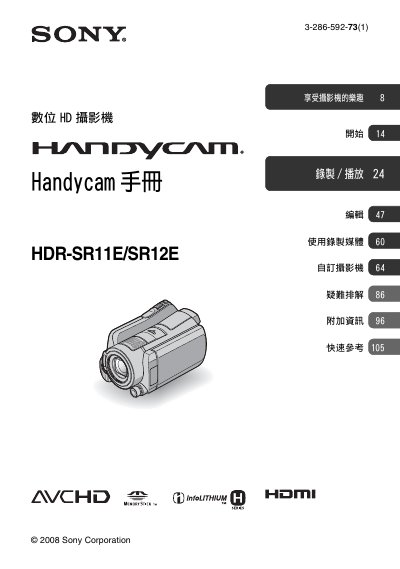
Sony HDR-SR11E/SR12E Digital HD Camcorder User Manual
This manual provides step-by-step instructions for operating the Sony HDR-SR11E/SR12E digital HD camcorder. It covers media handling, camera settings, recording and playback, troubleshooting, and maintenance. The manual also explains compatibility with Memory Stick PRO Duo cards and AVCHD format. Safety warnings and usage precautions are included for proper handling and to prevent damage. This manual is written in Chinese.
Read onlineSONY HDR-SR11E specifications
| Dimensions | 48 × 29 × 8 mm |
|---|---|
| Weight | 170 g |
| Storage Temperature | -20 °C to 160 °C |
| Battery Model | NP‑FH60 |
| Supported Memory Card | Memory Stick PRO Duo (up to 8 GB) |
All SONY HDR-SR11E documents by type
Day-to-day operation, settings and troubleshooting. Start here if the product is already set up.
Questions answered in these manuals
What video format does this camcorder support?
It supports AVCHD format with 1920 x 1080/50i resolution for high-definition video.
What is the maximum altitude at which this camcorder should be used?
Do not use the camcorder at altitudes above 3000 meters.
What type of memory card can I use?
The camcorder accepts Memory Stick PRO Duo cards; cards up to 8 GB are supported and can be identified by the “Memory Stick PRO Duo” marking.
How do I set the date and time?
Press the HOME button, then the SET button, and follow the on‑screen prompts to select the region, date, time, and daylight‑saving settings.
What type of memory card can be used with the HDR‑SR11E/SR12E?
The camera uses Memory Stick PRO Duo (including PRO‑HG Duo) with capacities of 1 GB or larger.
Which video formats does the camera support?
It supports AVCHD formats 1920 × 1080/50i and 1440 × 1080/50i.