
Key facts
Start here
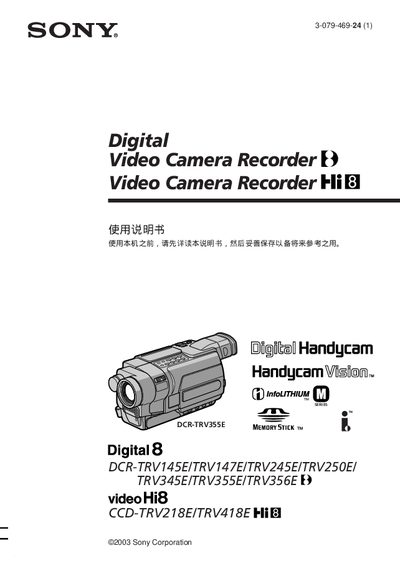
SONY DCR-TRV145E/TRV147E/TRV245E/TRV345E/TRV355E/TRV356E camcorder Manual
This manual covers the Sony DCR‑TRV series camcorders, detailing their main features such as Back Light, NightShot, Super NightShot, digital zoom, and Memory Stick support. It explains how to set up the camera, record video, and use playback functions.
Additional sections describe advanced functions like USB Streaming, editing tools, and a troubleshooting guide to resolve common issues. An index at the end helps locate specific topics quickly. This manual is written in Japanese.
SONY 355E specifications
| Viewable Image Size (32 class) | 31.5 inch |
|---|---|
| Viewable Image Size (55 class) | 54.6 inch |
| Video Resolution | 1,920 dots x 1,080 lines |
| Power Input | 110-240 V AC |
All SONY 355E documents by type
Day-to-day operation, settings and troubleshooting. Start here if the product is already set up.
- SONY KDL-60EX723 60EX720 55HX729 55EX723 55EX720 55EX621 55EX620 46HX729 46EX729 46EX723 46EX720 46EX621 46EX620 40EX729 40EX723 40EX720 40EX621 40EX620 32EX729 3 36 p
- SONY KDL-65HX729 60EX723 60EX720 55HX729 55EX723 55EX720 55EX621 55EX620 46HX729 46EX729 46EX723 46EX720 46EX621 46EX620 40EX729 40EX723 40EX720 40EX621 40EX620 3 36 p
- SONY KDL-60EX723 60EX720 55HX729 55EX723 55EX720 55EX621 55EX620 46HX729 KDL-46EX729 46EX723 46EX720 46EX621 46EX620 40EX729 40EX723 40EX720 KDL-40EX621 40EX620 32EX7 36 p
- SONY KDL-60EX720 55EX723 55EX720 46EX723 46EX720 46EX523 46EX520 46CX523 46CX520 40EX723 40EX720 40EX523 40EX520 40CX523 40CX520 32EX723 32EX720 32EX523 32EX520 36 p
- SONY DCR-TRV145E/TRV147E/TRV245E/TRV345E/TRV355E/TRV356E camcorder Manual 268 p
Questions answered in these manuals
What should I do if I experience discomfort while watching 3D images?
You should stop watching the 3D video images or playing stereoscopic 3D games until the discomfort ends.
How can I check for software updates?
If connected to the Internet, select Settings, Product Support, and then Automatic Software Update.
What should I do if I experience discomfort while watching 3D video?
You should stop watching the 3D video images or playing stereoscopic 3D games until the discomfort ends.
Where can I find the built-in manual for my TV?
Press the i-MANUAL button on the remote control and select an item to access the i-Manual.
What voltage should the TV be operated at?
The TV should be operated on 110‑240 V AC (U.S.A/Canada 120 V AC).
Can I use an extension cord with the TV’s power plug?
No, do not use the polarized AC plug with an extension cord unless the blades can be fully inserted.