
Key facts
- Brand
- SONY
- Model
- TRV740
- Documents
- 2
- Languages
- JA
- Last added
- 2012-03-16
Start here
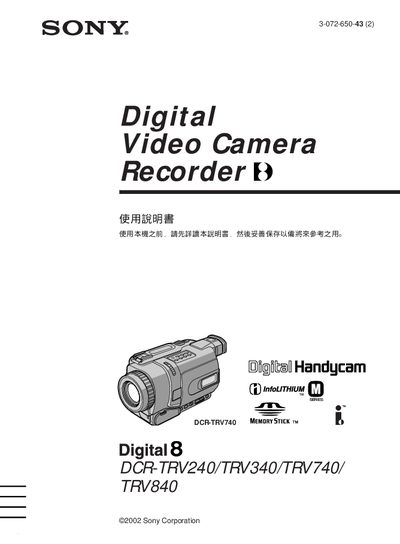
Sony DCR-TRV240/TRV340/TRV740/TRV840 Camcorder User Manual
This manual provides step‑by‑step instructions for operating Sony DCR‑TRV series camcorders, covering basic functions such as recording, playback, and menu navigation. It also includes safety warnings, battery handling, and troubleshooting tips.
The guide details advanced features like zoom control, night‑shot modes, and memory stick usage, and lists specifications for each model, including LCD size and optical zoom ranges. This manual is written in Japanese.
SONY TRV740 specifications
| Digital Zoom | 700x / 800x / 700x / 700x / 420x (per model) |
|---|---|
| Supported Media | Memory Stick |
| Power Input | AC adapter (included) |
Source: Sony DCR-TRV240E/TRV241E/TRV340E/TRV341E/TRV740E Camcorder User Manual
All SONY TRV740 documents by type
Day-to-day operation, settings and troubleshooting. Start here if the product is already set up.
Questions answered in these manuals
How do I start and stop recording?
Press the START/STOP button on the camcorder to begin or end recording.
From: Sony DCR-TRV240/TRV340/TRV740/TRV840 Camcorder User Manual
How can I set the date and time for recordings?
Use the DATE SEARCH function in the menu to set the recording date and time.
From: Sony DCR-TRV240/TRV340/TRV740/TRV840 Camcorder User Manual
How do I start and stop recording?
Press the START/STOP button to begin or end recording.
From: Sony DCR-TRV240E/TRV241E/TRV340E/TRV341E/TRV740E Camcorder User Manual
How do I transfer video files to a computer?
Connect the camcorder to a PC via the USB port and access the files stored on the Memory Stick.
From: Sony DCR-TRV240E/TRV241E/TRV340E/TRV341E/TRV740E Camcorder User Manual