
Key facts
- Brand
- SONY
- Model
- DCR-IP5
- Category
- Other
- Industry
- Electronics
- Documents
- 2
- Languages
- ZH · JA
- Last added
- 2012-03-16
Start here
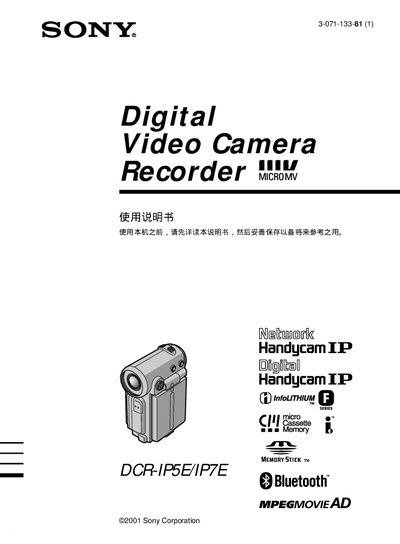
Sony DCR-IP5E/IP7E Camcorder User Manual
This manual introduces the Sony DCR‑IP5E/IP7E Handycam, a portable camcorder that records video to tape or Memory Stick and offers network functions such as email and web browsing. It outlines the main features, including digital zoom, image effects, manual focus, and Bluetooth connectivity (model‑specific).
The guide provides step‑by‑step instructions for powering the device, selecting camera modes, using the control keys, and navigating the FN screen. Safety warnings advise against exposing the camcorder to rain or moisture and recommend that only qualified technicians perform repairs. This manual is written in Chinese.
SONY DCR-IP5 specifications
| Bluetooth connectivity | Supported (DCR‑IP7BT only) |
|---|---|
| i.LINK connectivity | Supported |
| USB connectivity | Supported (Memory Stick) |
All SONY DCR-IP5 documents by type
Day-to-day operation, settings and troubleshooting. Start here if the product is already set up.
Questions answered in these manuals
Can the camcorder be used in rainy or wet conditions?
No. The manual warns not to expose the camcorder to rain, moisture, or fire.
How do you turn the camcorder on?
Slide the power switch down to the ON position; the camera indicator light will illuminate.