
Key facts
- Brand
- SONY
- Model
- HDR‑TG1
- Category
- Digital cameras
- Documents
- 2
- Languages
- ZH
- Last added
- 2012-03-24
Start here
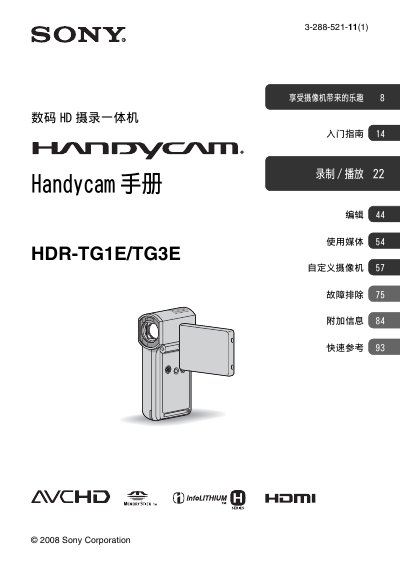
Sony HDR‑TG1E/TG3E Handycam User Manual
This manual covers the Sony HDR‑TG1E/TG3E Handycam, a digital HD camcorder equipped with a Carl Zeiss lens and compatible with Memory Stick PRO Duo cards. It explains how to prepare the camera, insert memory media, and configure basic settings such as language, date, and time.
Key sections include instructions for recording in AVCHD and SD modes, using the LCD screen and menu system, connecting the camcorder to a TV or computer via USB, and detailed troubleshooting and maintenance tips. The guide also provides information on supported video formats, battery type, and how to safely store recorded footage. This manual is written in Chinese.
SONY HDR‑TG1 specifications
| Default video format | 1440 × 1080/50i (ED SP) |
|---|---|
| Lens | Carl Zeiss lens |
| Battery type | InfoLithium rechargeable battery |
All SONY HDR‑TG1 documents by type
Day-to-day operation, settings and troubleshooting. Start here if the product is already set up.
Questions answered in these manuals
How can I change the language setting on the camcorder?
You can change the screen language before using the camcorder via the language setting menu.
Which memory cards are supported?
Only Memory Stick PRO Duo cards (including PRO‑Duo and PRO‑HG Duo) may be used; other card types are not allowed.
What type of memory cards can be used with the HDR‑TG1?
Only Memory Stick PRO Duo and Memory Stick PRO‑HG Duo are supported; other memory card types must not be used.
What is the default recording mode?
The default mode is HD SP, which records in AVCHD 1440×1080/60i.