
Key facts
- Brand
- SONY
- Model
- DCR-IP7BT
- Category
- Other
- Industry
- Electronics
- Documents
- 2
- Languages
- JA
- Last added
- 2012-03-16
Start here
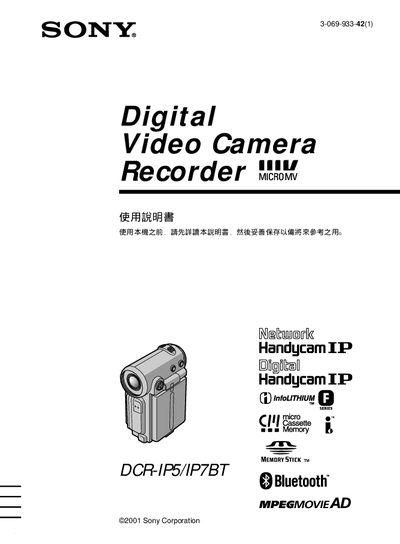
Sony DCR-IP5 / DCR-IP7BT Camcorder User Manual
This manual explains how to operate the Sony DCR‑IP5 and DCR‑IP7BT camcorders, covering basic power‑on procedures, menu navigation, and recording functions. It also details optional features such as i.LINK, USB, and Bluetooth connectivity for the DCR‑IP7BT model.
Safety precautions are highlighted, warning users not to expose the camcorder to rain, moisture, or fire, and to have repairs performed only by qualified personnel. This manual is written in Japanese.
SONY DCR-IP7BT specifications
| Bluetooth connectivity | Supported (DCR‑IP7BT only) |
|---|---|
| i.LINK connectivity | Supported |
| USB connectivity | Supported (Memory Stick) |
All SONY DCR-IP7BT documents by type
Day-to-day operation, settings and troubleshooting. Start here if the product is already set up.
Questions answered in these manuals
How do I exit Network mode?
Press the [d] key to exit Network mode.
From: Sony DCR-IP7BT / DCR-IP7E / PC120BT / PC120E Network Function Manual
How can I send or receive files via Bluetooth?
Use the [a] option to send and receive files.
From: Sony DCR-IP7BT / DCR-IP7E / PC120BT / PC120E Network Function Manual
Can the camcorder be used in rainy or wet conditions?
No. The manual warns not to expose the camcorder to rain, moisture, or fire.
How do you turn the camcorder on?
Slide the power switch down to the ON position; the camera indicator light will illuminate.