
Key facts
Start here
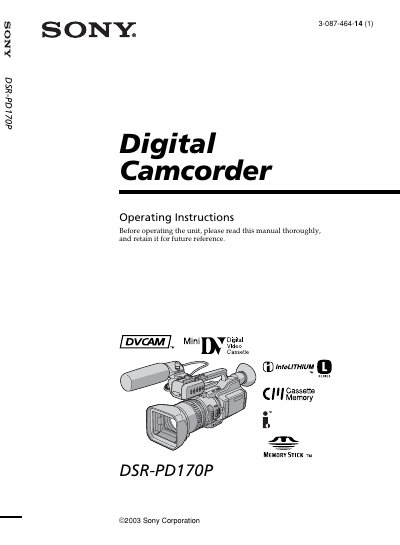
Sony DSR-PD170P Digital Camcorder Operating Instructions
This manual provides detailed guidance on operating the Sony DSR-PD170P digital camcorder. It covers essential tasks such as connecting power supplies, installing accessories like microphones, inserting cassettes, and performing basic recording and playback operations. The guide also explains how to use advanced features including special effects, manual adjustments for picture and sound quality, and editing functions.
Read onlineSONY DSR-PD170 specifications
| Model number | DSR-PD170 |
|---|---|
| Video format | DVCAM/DV |
| Memory Stick support | Yes |
All SONY DSR-PD170 documents by type
Day-to-day operation, settings and troubleshooting. Start here if the product is already set up.
Questions answered in these manuals
What is the model number of this digital camcorder?
The model number is DSR-PD170P.
From: Sony DSR-PD170P Digital Camcorder Operating Instructions
What is the telephone number for Sony Customer Information Center in the U.S.A.?
The number is 1-800-686-SONY (7669).
From: Sony DSR-PD170P Digital Camcorder Operating Instructions
How do I insert a cassette?
Open the cassette compartment, place the cassette with the window facing out and the write‑protect tab upward, then close the lid by pressing the PUSH button.