
Key facts
- Brand
- SONY
- Model
- HC18E
- Category
- Camcorders
- Industry
- Electronics
- Documents
- 2
- Languages
- JA · ZH
- Last added
- 2012-03-12
Start here
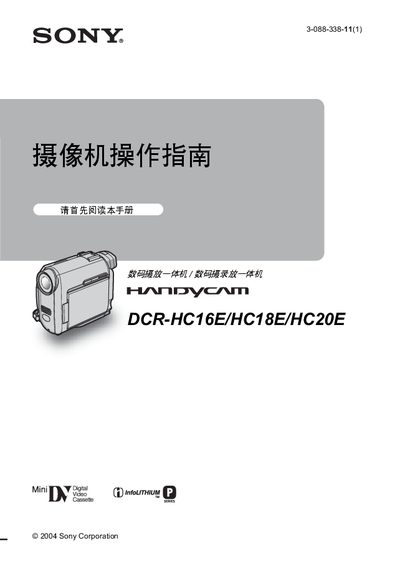
Sony DCR-HC16E/HC18E/HC20E Camcorder User Manual
This manual covers the safe handling and operation of the Sony DCR‑HC16E/HC18E/HC20E camcorder. It includes warnings against exposure to rain or moisture, proper handling of the LCD panel and viewfinder, and instructions for using the built‑in Cassette Memory.
The guide also explains menu settings such as date/time, USB connection, playback functions, and quick‑start procedures. Regional video format requirements (PAL) and specifications are listed, along with an index for easy reference. This manual is written in Japanese.
SONY HC18E specifications
| CCD sensor resolution | ≈800,000 pixels |
|---|---|
| Lens | Carl Zeiss Vario Tessar motorized zoom |
| Battery voltage | 8.4 V DC |
| Dimensions | 50 × 86 × 112 mm (W × H × D) |
| Weight | ≈380 g (camera only), 440 g with battery and tape |
Source: Sony DCR-HC16E/HC18E/HC20E Camcorder Operating Instructions
All SONY HC18E documents by type
Day-to-day operation, settings and troubleshooting. Start here if the product is already set up.
Questions answered in these manuals
Can the camcorder be used in rainy or humid conditions?
No, you should not expose the camcorder to rain or moisture.
What type of memory does the camcorder use?
The camcorder records video on Cassette Memory in Mini‑DV format.
How do I insert a cassette tape?
Slide the cassette into the camcorder with the window facing up until you hear a click, then close the cover.
From: Sony DCR-HC16E/HC18E/HC20E Camcorder Operating Instructions
How can I change the camcorder’s display language?
Select the language option in the menu (see page 19) to switch the screen language.
From: Sony DCR-HC16E/HC18E/HC20E Camcorder Operating Instructions