
Key facts
Start here
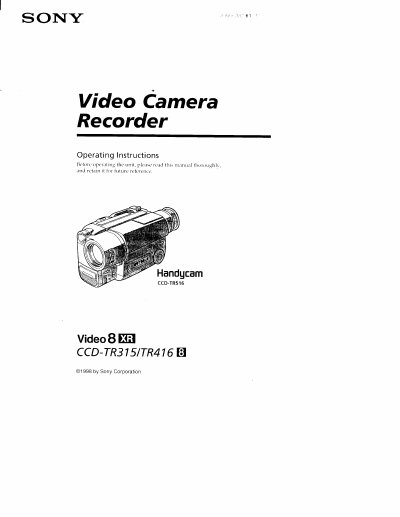
Sony CCD-TR315/CCD-TR416/CCD-TR516 Camcorder User Manual
This manual covers the Sony Handycam camcorder models CCD-TR315, CCD-TR416, and CCD-TR516. It introduces the supplied accessories, basic and advanced operation modes, and explains how to insert a cassette, use zoom, and apply picture effects.
The guide details how to install and charge the NP-F330 battery pack, outlines charging times, battery‑life expectations, and provides a self‑diagnosis section for common issues such as low battery or tape problems. Safety warnings and care instructions are also included.
SONY CCD-TR516 specifications
| Battery pack model | NP-F330 |
|---|---|
| Normal charging time | 150 min |
| Continuous recording time (CCD-TR315) | up to 225 min |
| Typical recording time (CCD-TR315) | 105 min |
| Continuous recording time (CCD-TR416/CCD-TR516) | up to 135 min |
Source: Sony CCD-TR315/CCD-TR416/CCD-TR516 Camcorder User Manual
All SONY CCD-TR516 documents by type
Day-to-day operation, settings and troubleshooting. Start here if the product is already set up.
Questions answered in these manuals
What does a flashing battery indicator mean?
A slow flashing indicator means the battery is weak, while a fast flashing indicator means the battery is dead.
From: Sony CCD-TR315/CCD-TR416/CCD-TR516 Camcorder User Manual
What does a flashing indicator mean?
A slow flashing indicator means the battery is weak, while a fast flashing indicator means the battery is dead.
How can I reset the date and time?
Use the menu system to select the date/time setting and follow the on‑screen prompts to reset the clock.