
Key facts
- Brand
- SONY
- Model
- E75
- Documents
- 4
- Languages
- ZH · EN
- Last added
- 2026-10-04
Start here
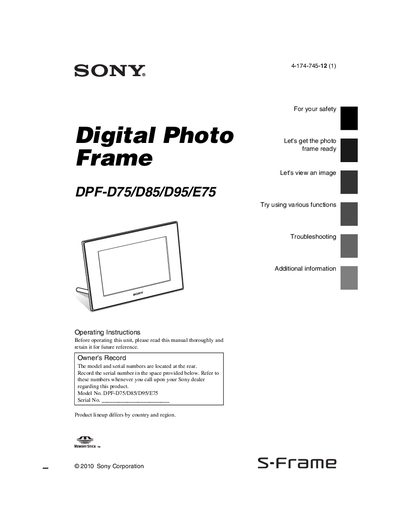
Sony DPF-D75/D85/D95/E75 Digital Photo Frame User Manual
This manual provides step‑by‑step instructions for setting up and using Sony's DPF‑D75, DPF‑D85, DPF‑D95, and DPF‑E75 digital photo frames. It covers safety precautions, included accessories, part identification, initial setup, image playback, and configuration of display and power settings.
Additional sections address connecting the frame to a computer, troubleshooting common errors, specifications, disposal and recycling instructions, and regulatory compliance information for U.S. and European markets.
SONY E75 specifications
| LED backlight type | Direct LED (only KD‑75/65/55/49X9000E) |
|---|---|
| Bluetooth version | 4.1 |
| Wi‑Fi standards | IEEE802.11ac/a/b/g/n |
| Audio output power | 8 W + 8 W (7 % THD) |
| HDMI inputs | 4 ports, supporting 4K resolution and HDCP 2.2 |
| USB ports | USB1/2: USB 2.0, USB3: USB 3.0 |
All SONY E75 documents by type
Day-to-day operation, settings and troubleshooting. Start here if the product is already set up.
Questions answered in these manuals
What should you do if the unit is exposed to rain or moisture?
Do not expose the unit to rain or moisture.
From: Sony DPF-D75/D85/D95/E75 Digital Photo Frame User Manual
What battery safety precautions are mentioned?
Replace the battery with the specified type only, avoid exposing it to excessive heat, and dispose of used batteries according to the instructions.
From: Sony DPF-D75/D85/D95/E75 Digital Photo Frame User Manual