
Key facts
- Brand
- SONY
- Model
- HDR-HC3
- Category
- Digital cameras
- Industry
- Electronics
- Documents
- 3
- Languages
- JA
- Last added
- 2012-03-16
Start here
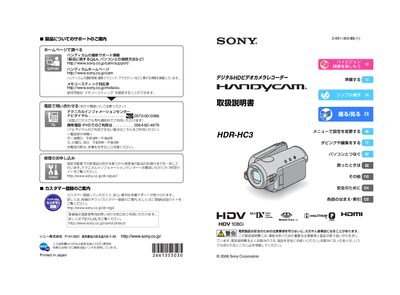
Sony HDR-HC3 Handycam User Manual
This manual covers safety precautions, preparation steps, and basic operation of the Sony HDR‑HC3 Handycam, including battery charging, memory‑stick handling, and lens care. It also explains how to connect the camcorder to TVs, computers, and printers via HDMI, component video, USB, and i.LINK cables.
Detailed sections describe menu navigation, recording modes, playback functions, and troubleshooting tips, as well as specifications such as HDV 1080i recording, supported Mini‑DV cassettes, and Memory Stick Duo compatibility. This manual is written in Japanese.
SONY HDR-HC3 specifications
| Recording format | HDV 1080i |
|---|---|
| Memory media | Memory Stick, Memory Stick Duo, Memory Stick PRO |
| HDMI output | Supported |
| LCD panel coverage | 99.99 % |
| PictBridge compatibility | Supported |
All SONY HDR-HC3 documents by type
Day-to-day operation, settings and troubleshooting. Start here if the product is already set up.
Questions answered in these manuals
How can the camera be connected to a TV or external device?
Use HDMI, i.LINK, or USB with the correct connector orientation.
What memory cards can be used with the HDR‑HC3E?
The camcorder supports Memory Stick, Memory Stick Duo, and Memory Stick PRO cards.
Does the camcorder have an HDMI output?
Yes, the device can be connected to an external display via HDMI.
What kind of battery does the HDR‑HC3 use?
It uses an InfoLithium rechargeable battery.