
Key facts
Start here
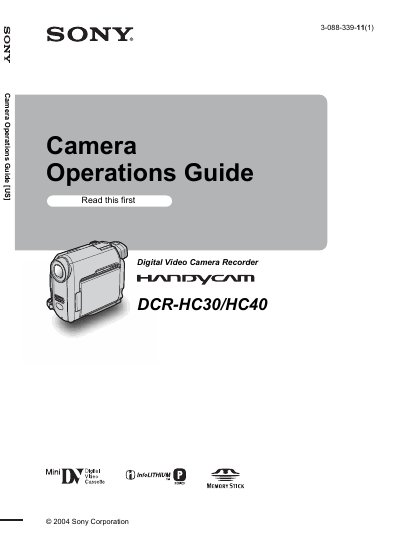
Sony DCR-HC30/HC40 Camcorder User Manual
This manual covers safety precautions, basic setup, and operation of the Sony DCR‑HC30/HC40 camcorder. It explains how to insert Mini DV cassettes or a Memory Stick Duo, how to charge and handle the lithium‑ion battery pack, and how to use the LCD screen and viewfinder safely. The quick‑start guide walks users through powering on the device, setting the date and time, and recording movies or still images.
Advanced sections describe menu navigation, exposure and focus controls, special effects, playback options, dubbing and editing functions, and connecting the camcorder to a VCR or TV. Troubleshooting tips address electric‑shock hazards, FCC interference, and proper handling of the device in bright sunlight.
SONY DCR-HC30 specifications
| LCD pixel operability | over 99.99% operational |
|---|---|
| Supported recording media | Mini DV cassettes |
| Supported memory card | Memory Stick Duo |
| Battery type | Lithium‑Ion |
All SONY DCR-HC30 documents by type
Day-to-day operation, settings and troubleshooting. Start here if the product is already set up.
Questions answered in these manuals
Can the camcorder be used in rainy or wet conditions?
No. The manual warns against exposing the camcorder to rain or moisture to prevent fire or electric shock hazards.
How should the camcorder be powered off safely?
Slide the POWER switch to the OFF (CHG) position after stopping recording or playback.
What type of memory card can be used with the camcorder?
Only a Memory Stick Duo can be used with the DCR‑HC30/HC40 camcorder.
Can regular Mini DV cassettes be used for recording?
Yes, the camcorder supports only Mini DV cassettes for recording.
How do I start recording?
Turn the power on, then press REC START/STOP to begin recording.
What type of memory card can be used?
The camcorder only supports Memory Stick Duo cards.