
Key facts
- Brand
- SONY
- Model
- HDR-UX1
- Category
- Digital cameras
- Industry
- Electronics
- Documents
- 4
- Languages
- EN · ZH · JA
- Last added
- 2012-03-24
Start here
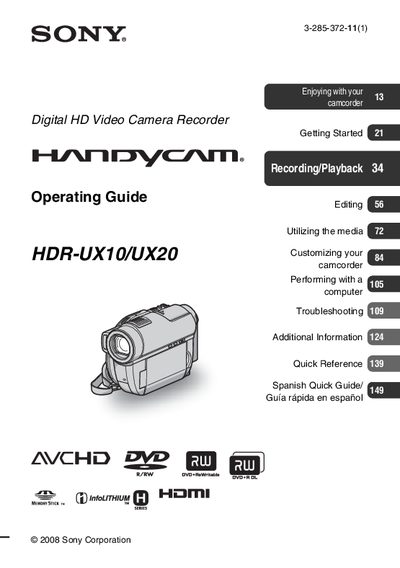
Sony HDR-UX10/UX20 Camcorder Operating Guide
This guide covers important safety safeguards, power‑source requirements, and proper handling of the camcorder to prevent electric shock, fire, or damage. It also explains how to protect the device during lightning storms and what to do if it becomes wet or damaged.
The manual details supported media types, including 8 cm DVD‑R/W, DVD+R/W, DVD‑R, DVD+R DL discs and Memory Stick PRO Duo or PRO‑HG Duo cards, and provides instructions for recording, playback, menu navigation, and troubleshooting. Additional information such as FCC compliance, recycling of lithium‑ion batteries, and customer support resources are also included.
SONY HDR-UX1 specifications
| Model numbers | HDR-UX10, HDR-UX20 |
|---|---|
| Supported disc formats | 8 cm DVD‑RW, DVD+RW, DVD‑R, DVD+R DL |
| Supported memory cards | Memory Stick PRO Duo, Memory Stick PRO‑HG Duo |
All SONY HDR-UX1 documents by type
Day-to-day operation, settings and troubleshooting. Start here if the product is already set up.
Disassembly, diagnostics and part numbers, for repair.
Questions answered in these manuals
What types of memory cards can be used with the camcorder?
The camcorder supports Memory Stick PRO Duo and Memory Stick PRO‑HG Duo cards.
Which disc formats are compatible with the camcorder?
You can use 8 cm DVD‑RW, DVD+RW, DVD‑R, and DVD+R DL discs.
How can I delete a recorded clip?
Open the OPTION MENU while playing the clip and select Delete, or use the Edit > Delete option in the HOME MENU.
Can I change the DVD recording quality after formatting?
No. The recording quality must be chosen when formatting the disc and cannot be changed mid‑recording.
What type of memory cards can be used with the HDR‑UX1E?
Only Memory Stick Duo cards are supported; other Memory Stick types cannot be used.
Is the camcorder waterproof or rain‑proof?
No, the camcorder is not dust‑proof, rain‑proof, or waterproof.