
Key facts
- Brand
- SONY
- Model
- HDR-SR1
- Category
- Digital cameras
- Industry
- Electronics
- Documents
- 13
- Languages
- EN · ZH · JA
- Last added
- 2012-05-03
Start here
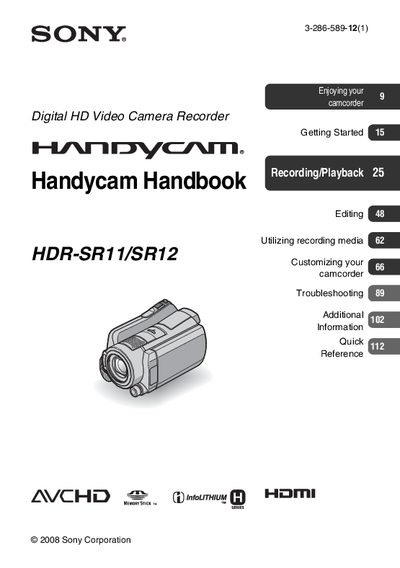
Sony HDR-SR11/SR12 Handycam Handbook
This handbook explains how to set up and operate the Sony HDR‑SR11/SR12 camcorder, including checking supplied items, inserting the appropriate Memory Stick PRO Duo (1 GB or larger), and adjusting settings such as language, date, and exposure. It also covers the use of the Carl Zeiss lens, viewfinder and LCD screen specifications, and guidelines for safe handling to avoid shock, vibration, and exposure to direct sunlight.
Detailed sections describe recording and playback functions, including HD MPEG‑4 AVC/H.264 High Profile recording, various shooting modes (NightShot, Dual Rec, Slow‑motion), menu navigation, media management, and troubleshooting steps. The manual also provides information on using the camcorder with external devices, battery and AC adaptor handling, and maintenance tips such as formatting the hard‑disk and protecting data.
SONY HDR-SR1 specifications
| Model Number | HDR‑SR10 |
|---|---|
| Battery Pack | NP‑FH60 rechargeable lithium‑ion |
| AC Adaptor | Model AC‑L200/L200B |
| LCD Screen Yield | over 99.99 % of pixels operational |
All SONY HDR-SR1 documents by type
Day-to-day operation, settings and troubleshooting. Start here if the product is already set up.
- Sony HDR-SR10 Camcorder Operating Guide 72 p
- Sony HDR-SR11/SR12 Handycam Handbook 124 p
- Sony HDR-SR1E User Manual 2 p
- Sony HDR-SR1E Digital HD Camcorder Operating Instructions 2 p
- Sony HDR‑SR11E/SR12E Camcorder Operating Guide 32 p
- SONY HDR-SR10EdigitalHD Videography all-in-one operating instructions 32 p
- Sony HDR‑SR11 / HDR‑SR12 User Manual 72 p
- Sony HDR‑SR11/SR12 User Manual 36 p
- Sony HDR‑SR11/SR12 Handycam User Manual 116 p
- sony digitalHD Videography all-in-oneHDR-SR10E Manual 111 p
- Sony HDR-SR11E/SR12E User Manual 114 p
Disassembly, diagnostics and part numbers, for repair.
Questions answered in these manuals
How can I change the on‑screen language?
Select the desired language in the on‑screen menu before using the camcorder; the manual provides language‑setting instructions on page 10.
What type of memory card can be used with the HDR‑SR11/SR12?
You can use a Memory Stick PRO Duo or Memory Stick PRO‑HG Duo of 1 GB or larger; other memory cards are not supported.
Can HD recordings be played back on devices that do not support High Profile?
No, devices that are not compatible with the AVCHD High Profile cannot play back HD recordings made with this camcorder.
How do I delete an animation on the HDR‑SR1E?
Open the OPTION MENU while playing the animation and select the delete option.
What is the internal storage limit for recording?
The camcorder’s built‑in hard drive holds up to 30 GB, allowing up to 11 hours of HD recording.
How do I delete a recorded clip?
Open the OPTION MENU while playing the clip and select the delete option.
From: Sony HDR-SR1E Digital HD Camcorder Operating Instructions