
Key facts
Start here
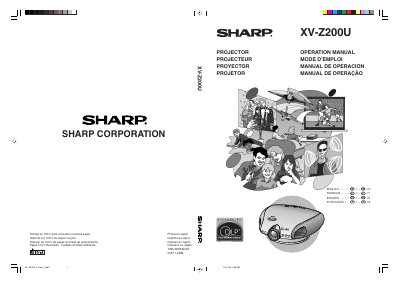
Sharp XV-Z200U Projector Operation Manual
This is the operation manual for the Sharp XV-Z200U projector. It provides instructions for setup, connecting devices, adjusting image settings, and using features like keystone correction and eco mode. It also includes safety warnings, lamp replacement procedures, and troubleshooting tips. The manual is multilingual, with sections in English, French, Spanish, and Portuguese.
Read onlineSharp XVZ200U specifications
| Product Type | Projector |
|---|---|
| Model Number | XV-Z200U |
| Lamp Type | BQC-XVZ200++1 |
All Sharp XVZ200U documents by type
Day-to-day operation, settings and troubleshooting. Start here if the product is already set up.
Questions answered in these manuals
What safety precaution must be taken before removing the projector's cover?
You must disconnect the power cord before removing the screw to access the lamp unit.
How long does the cooling fan run after the projector enters standby mode?
The cooling fan continues to run for about 90 seconds after the projector enters the standby mode.
What is the model number of this projector?
The model number is XV-Z200U.
What is the lamp replacement precaution before servicing?
Turn off the lamp before servicing.
What should I do if the projector causes harmful interference to radio or television?
Try to correct the interference by reorienting the receiving antenna, increasing separation between the equipment and receiver, or connecting the equipment to a different circuit outlet.
How long does the cooling fan run after the projector enters standby mode?
The cooling fan continues to run for about 90 seconds after the projector enters the standby mode.