
Sharp XV-Z200U Projector Operation Manual

This manual describes how to use the XV-Z200U projector
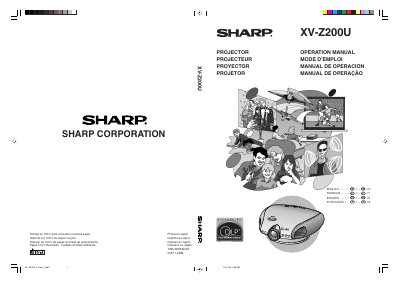

Sharp XV-Z200U Projector Operation Manual - cover page
Brand
Sharp
Category
Projector
Document type
User Manual
Language
English
Pages
73
File format
PDF
File size
7.3 MB
Published
02 August, 2012
Updated
30 September, 2023
Model
XVZ200U
MD5 checksum
C8C3A1757C45A9D2E973F44A26CEA997

About this manual

This is the operation manual for the Sharp XV-Z200U projector. It provides instructions for setup, connecting devices, adjusting image settings, and using features like keystone correction and eco mode. It also includes safety warnings, lamp replacement procedures, and troubleshooting tips. The manual is multilingual, with sections in English, French, Spanish, and Portuguese.

What's inside

  • Introduction
  • Quick Guide
  • Part Names
  • Operating the Remote Control
  • Accessories
  • Connections & Setup
  • Basic Operation
  • Adjustments and Settings
  • Menu Bar Items
  • Appendix

Frequently asked questions

What safety precaution must be taken before removing the projector's cover?

You must disconnect the power cord before removing the screw to access the lamp unit.

How long does the cooling fan run after the projector enters standby mode?

The cooling fan continues to run for about 90 seconds after the projector enters the standby mode.

Download PDF (7.3 MB)

More Sharp Manuals


View all Sharp manuals →