
Key facts
- Brand
- Sharp
- Model
- HT-SB20
- Documents
- 2
- Languages
- EN
- Last added
- 2023-10-16
Start here
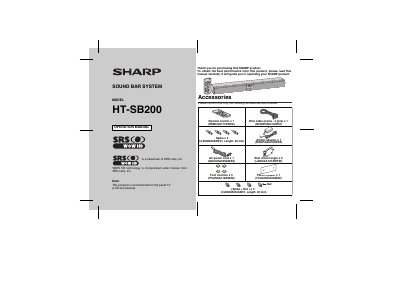
Sharp HT-SB200 Sound Bar System Operation Manual
This document is the user manual for the Sharp HT-SB200 Sound Bar System. It details the included accessories, safety instructions, and preparation steps for use. The guide covers general operation, speaker preparation, and connection methods for TVs and power sources. It also includes a troubleshooting chart, maintenance tips, and error indicator explanations.
Read onlineSharp HT-SB20 specifications
| Power source | DC IN 17V=2.8A; AC/DC adaptor (AC 100 - 240V ~ 50/60Hz) |
|---|---|
| Maximum RMS output power | Total 40 Watts |
| Speaker system | 2-way Speaker System |
| Woofer size | 2.1/4" (5.7 cm) |
| Soft Dome size | 1" (2.5cm) |
| Input terminals | Stereo mini jack @ 3.5mm. |
| Frequency Band (HT-SB20) | 2 A00GHz - 2480GHz |
| Bluetooth Version (HT-SB30) | 2.1 +EDR |
| Dimensions (Width) | 37" (940mm) |
| Weight | 5.0Tlbs. (2.349) |
Source: Sharp HT-SB20/HT-SB30 Sound Bar Home Theater System Operation Manual
All Sharp HT-SB20 documents by type
Day-to-day operation, settings and troubleshooting. Start here if the product is already set up.
Questions answered in these manuals
What is the maximum RMS output power of this sound bar?
The maximum RMS total output power is 40 Watts.
From: Sharp HT-SB20/HT-SB30 Sound Bar Home Theater System Operation Manual
How do I perform a factory reset on the HT-SB20?
During Stand-by mode, press and hold the SURROUND button and the ON/STAND-BY button.
From: Sharp HT-SB20/HT-SB30 Sound Bar Home Theater System Operation Manual
What type of televisions is this sound bar system recommended for?
This product is recommended for use with flat panel TVs, specifically LCD and plasma models.
What is the length of the included spike and nut hardware?
The included spike and nut hardware has a length of 30 mm.