
Key facts
- Brand
- Sharp
- Model
- XE-A407 XE-A43S
- Category
- Other Computer Accessories
- Industry
- Computers
- Documents
- 3
- Languages
- EN · ES
- Last added
- 2026-10-21
Start here
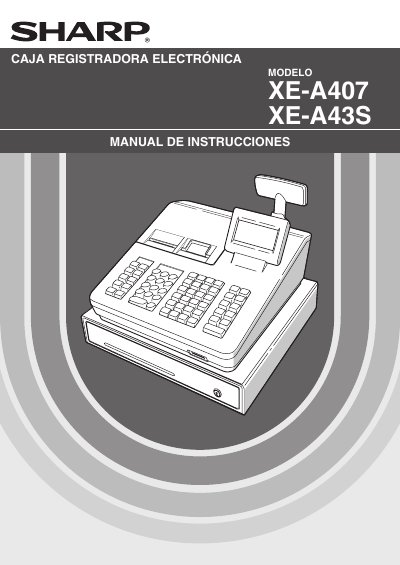
Sharp XE-A407/XE-A43S Cash Register Operation Manual
This document is the Spanish instruction manual for the Sharp XE-A407 and XE-A43S electronic cash registers. It provides comprehensive guidance on safety precautions, hardware identification, and initial setup procedures including battery installation and paper roll loading.
The guide details daily operational tasks such as entering transactions, handling various payment methods (cash, check, credit), calculating taxes, and managing refunds. It also covers advanced features like barcode scanning for UPC/EAN codes, generating sales reports (X and Z reads), and configuring the device via a manager mode. This manual is written in Spanish.
Sharp XE-A407 XE-A43S specifications
| Operating System Support | Windows XP SP3, Windows Vista SP2, Windows 7 |
|---|---|
| Display Resolution | 800 x 600 (SVGA) or higher |
| Runtime Environment | .NET Framework 3.5 or higher |
| Compatible QuickBooks Versions | QuickBooks Pro 2010 and QuickBooks Pro 2011 |
| SD Memory Card Capacity | up to 32GB |
Source: Sharp XE-A407 XE-A43S Customer Support Tool User's Manual
All Sharp XE-A407 XE-A43S documents by type
Day-to-day operation, settings and troubleshooting. Start here if the product is already set up.
Questions answered in these manuals
How do I start the Customer Support Tool?
Double-click "PC-LINK_A407U(.exe)" in the A407 folder created after unzipping the file.
From: Sharp XE-A407 XE-A43S Customer Support Tool User's Manual
Can I use a mini or micro SD memory card?
No, you cannot use a mini or micro SD memory card with this tool.
From: Sharp XE-A407 XE-A43S Customer Support Tool User's Manual
What safety precautions should be taken when handling the printer?
Be very careful when removing and placing the printer cover because the blade mounted on it is very sharp.
What type of power outlet does the cash register require?
The unit connects to a standard wall socket providing 120V AC.
What is the power requirement for this cash register?
The register plugs into any standard wall outlet (120V AC).
From: Sharp XE-A407/XE-A43S Electronic Cash Register Instruction Manual
What type of batteries are required for data protection?
Two alkaline batteries LR6 (
From: Sharp XE-A407/XE-A43S Electronic Cash Register Instruction Manual