
Key facts
Start here
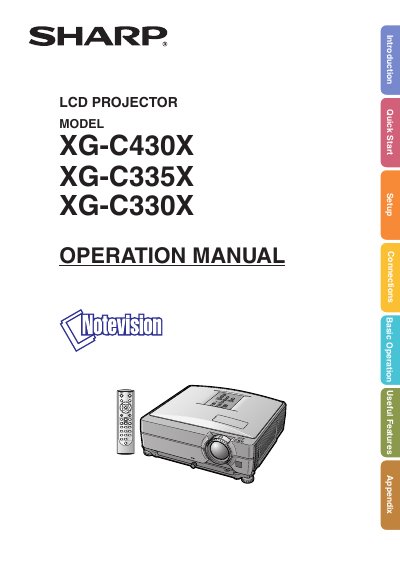
Sharp XG-C330X/XG-C335X/XG-C430X LCD Projector Operation Manual
This document is the English operation manual for the Sharp XG-C330X, XG-C335X, and XG-C430X series of LCD projectors. It provides instructions on how to register the warranty, safety precautions regarding the high-brightness light source, and initial setup procedures using the supplied remote control or projector buttons.
The manual details the operation of various menu screens including Picture, Audio, Setup, and Network settings. It also covers specific features such as the cooling fan behavior during standby mode, lamp replacement procedures, and troubleshooting common issues like no signal or picture quality problems.
Sharp XG-C330X specifications
| AN‑C18MZ lens focal length | 36.5‑46.3 mm |
|---|---|
| AN‑C27MZ lens focal length | 53.8‑82.9 mm |
| Standard lens projection distance (4:3) | 3.6 m‑4.3 m (ratio 1:1.8‑2.1) |
Source: Sharp XG-C430X XG-C335X XG-C330X Projector User Manual
All Sharp XG-C330X documents by type
Day-to-day operation, settings and troubleshooting. Start here if the product is already set up.
Questions answered in these manuals
What happens to the cooling fan when the projector enters standby mode?
The cooling fan continues to run for about 90 seconds after the projector enters the standby mode.
From: Sharp XG-C330X/XG-C335X/XG-C430X LCD Projector Operation Manual
How should the power cord be disconnected?
Never turn the projector off by disconnecting the power cord during normal operation, as this will result in premature lamp failure.
From: Sharp XG-C330X/XG-C335X/XG-C430X LCD Projector Operation Manual
What is the procedure to reset the projector to factory defaults?
From the Advanced Setup menu select "Restore Default Setting" and confirm to reset all configuration parameters.
From: Sharp XG-C430X XG-C335X XG-C330X Projector User Manual
How do I set up RS‑232C communication?
Select the RS‑232C settings in the Setup menu, configure the baud rate and other parameters, then connect the cable to the projector’s RS‑232C port.
From: Sharp XG-C430X XG-C335X XG-C330X Projector User Manual