
Key facts
Start here
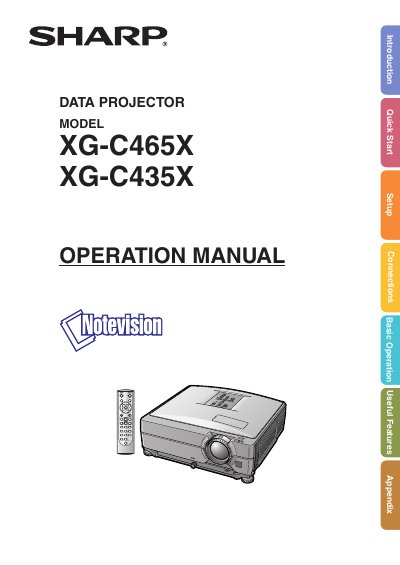
Sharp XG-C435X/XG-C465X Data Projector Operation Manual
This document is the English operation manual for the Sharp XG-C435X and XG-C465X LCD data projectors. It provides instructions on how to use the device, including connecting cables, operating the remote control, and navigating the on-screen menu system. The manual also details safety precautions regarding the high-brightness light source and electrical grounding requirements.
Read onlineSharp XG-C465X specifications
| Standard zoom lens throw distance ratio | 1:1.8–2.1 |
|---|---|
| Tele-zoom lens (AN-C18MZ) throw distance ratio | 1:2.2–2.8 |
| Tele-zoom lens (AN-C27MZ) throw distance ratio | 1:3.3–5.1 |
| Tele-zoom lens (AN-C41MZ) throw distance ratio | 1:5.2–7.2 |
| Wide-zoom lens (AN-C12MZ) throw distance ratio | 1:1.5–1.9 |
All Sharp XG-C465X documents by type
Day-to-day operation, settings and troubleshooting. Start here if the product is already set up.
Questions answered in these manuals
What happens if you disconnect the power cord during normal operation?
Failure to observe this will result in premature lamp failure.
From: Sharp XG-C435X/XG-C465X Data Projector Operation Manual
How long does the cooling fan run after entering standby mode?
The cooling fan continues to run for about 90 seconds after the projector enters the standby mode.
From: Sharp XG-C435X/XG-C465X Data Projector Operation Manual
How should the projector be positioned for optimal image quality?
Position the projector perpendicular to the screen with the projector's feet flat and level to eliminate the need for Keystone correction.
What happens if the horizontal line passing through the lens center is not perpendicular to the screen?
The image will be distorted, making viewing difficult.