
Key facts
- Brand
- Sharp
- Model
- LC-32M3H
- Category
- Television
- Documents
- 2
- Languages
- EN · ZH
- Last added
- 2026-10-28
Start here
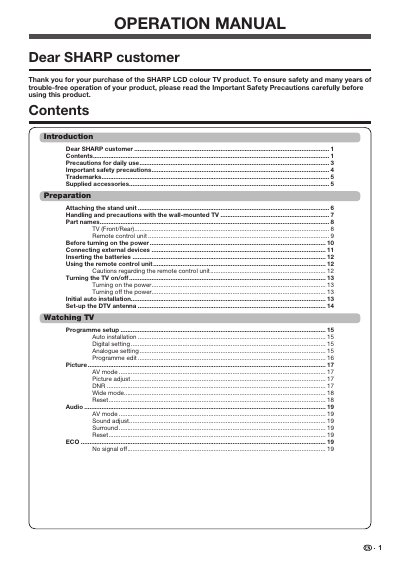
SHARP LC-32M3H/LC-40M3H LCD Colour TV Operation Manual
This document serves as the official operation manual for SHARP LC-32M3H and LC-40M3H LCD colour TVs. It provides essential guidance on safety precautions, including proper ventilation and cleaning methods to prevent damage to the cabinet or LCD panel.
The guide details the preparation steps for attaching the stand unit and handling wall-mounted installations using recommended brackets. It also explains how to use the remote control unit, connect external devices via HDMI or USB, and perform initial auto installation settings.
All Sharp LC-32M3H documents by type
Day-to-day operation, settings and troubleshooting. Start here if the product is already set up.
Questions answered in these manuals
Can I clean the cabinet with alcohol or thinner?
No, do not use solvents such as benzene, alcohol or thinner to clean the cabinet as they could cause it to deteriorate.
From: SHARP LC-32M3H/LC-40M3H LCD Colour TV Operation Manual
Are non-active pixels a fault?
No, occasionally appearing fixed points of blue, green or red are within product specifications and do not constitute a fault.
From: SHARP LC-32M3H/LC-40M3H LCD Colour TV Operation Manual
Is it normal to see fixed colored dots on the screen?
Yes, fixed blue, green, or red dots may appear due to the high number of pixels and are within the product specifications, not a fault.
Can I install the TV myself on the wall?
No, wall mounting requires special skills and should only be done by qualified service personnel using recommended brackets.