
Key facts
- Brand
- Sharp
- Model
- EL-344R
- Category
- calculator
- Industry
- Electronics
- Documents
- 2
- Languages
- EN
- Last added
- 2026-11-08
Start here
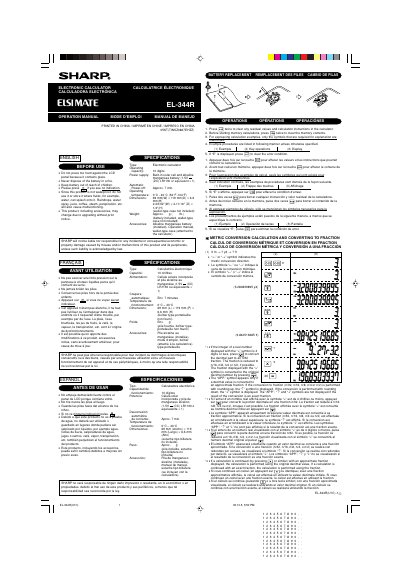
Sharp EL-344R Electronic Calculator Operation Manual
This is the operation manual for the Sharp EL-344R electronic calculator, printed in English, French and Spanish. It explains how to use the calculator before and during operation, including clearing residual values and memory contents, following example procedures, and clearing an error condition when "E" is displayed.
The manual also describes the calculator's metric conversion and fraction conversion functions, explains the display symbols used for approximate fractions and rounding, lists the specifications such as the 10-digit operating capacity and solar cell with alkaline manganese battery power supply, and gives battery replacement instructions.
Sharp EL-344R specifications
| Type | Electronic calculator |
|---|---|
| Operating capacity | 10 digits |
| Power supply | Built-in solar cell and alkaline manganese battery (1.5V DC, LR1130 or equivalent × 1) |
| Automatic power-off | Approx. 7 min. |
| Operating temperature | 0°C - 40°C (32°F-104°F) |
| Dimensions | 69 mm (W) × 119 mm (D) × 6.6 mm (H) |
| Weight | Approx. 63 g (0.14 lb.) |
| Accessories | Alkaline manganese battery (installed), operation manual, wallet-type case |
Source: Sharp EL-344R Electronic Calculator Operation Manual
All Sharp EL-344R documents by type
Day-to-day operation, settings and troubleshooting. Start here if the product is already set up.
Questions answered in these manuals
What should I do if no indication appears on the display?
Press the indicated key if you see no indication on the display.
How do I clear an error condition when "E" is displayed?
If "E" is displayed, press the clear key to clear the error condition.
How do I clear residual values in the calculator?
Press the clear key twice to clear any residual values and calculation instructions.
How do I clear memory contents before starting calculations?
Press the clear key twice before starting memory calculations to clear the memory contents.