
Key facts
- Brand
- Sharp
- Model
- AR-M351N/AR-M451N
- Category
- Printer
- Industry
- Electronics
- Documents
- 2
- Languages
- EN · ZH
- Last added
- 2026-11-06
Start here
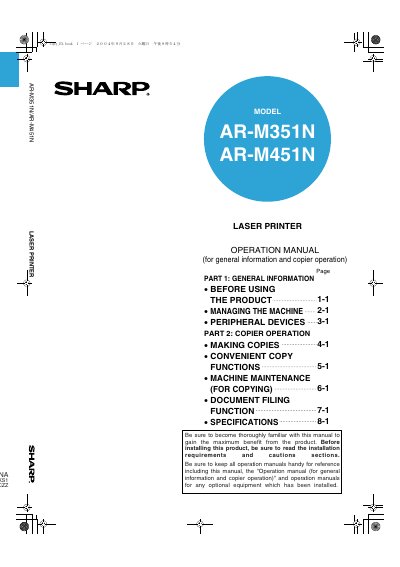
SHARP AR-M351N/AR-M451N Laser Printer Operation Manual
This operation manual covers the SHARP AR-M351N and AR-M451N laser printers, providing general information, safety instructions, installation requirements, and guidance on copy and document filing functions.
It also lists related manuals for facsimile, printer, and network scanner operation, and includes cautions such as not touching the photoconductive drum or fusing unit.
All SHARP AR-M351N/AR-M451N documents by type
Day-to-day operation, settings and troubleshooting. Start here if the product is already set up.
Questions answered in these manuals
Which models does this operation manual cover?
It covers the SHARP AR-M351N and AR-M451N laser printers.
From: SHARP AR-M351N/AR-M451N Laser Printer Operation Manual
What should be read before installing the product?
Read the installation requirements and cautions sections before installation.
From: SHARP AR-M351N/AR-M451N Laser Printer Operation Manual
How can I completely turn off the printer?
Unplug the power plug to fully disconnect the printer from the power source.
From: Sharp AR-M351U/AR-M451U/AR-M351N/AR-M451N/AR-M351NT/AR-M451NT Laser Printer User Manual
What is required to use the printer’s fax function?
The fax function requires installation of the fax expansion component.
From: Sharp AR-M351U/AR-M451U/AR-M351N/AR-M451N/AR-M351NT/AR-M451NT Laser Printer User Manual