
The setup manual for XG-C465X XG-C435X data projector provides information on screen setup, projection distance, zoom lenses, connecting pin assignments, RS-232C specifications and commands, network environment setup, controlling the projector via LAN, setting security, and sending error emails.
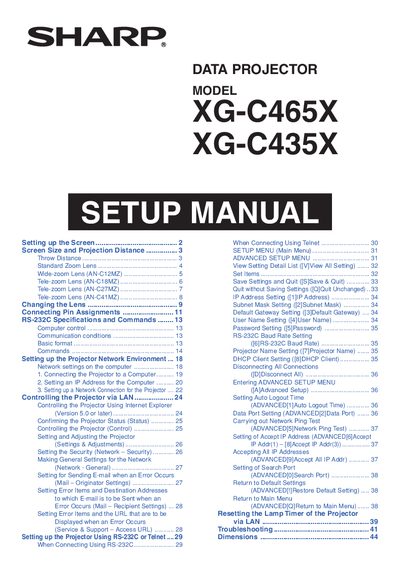
This document serves as a setup manual for the Sharp XG-C465X and XG-C435X data projectors. It guides users through the physical installation process, including determining the correct projection distance and screen size for various optional lenses. The manual emphasizes proper positioning to ensure optimal image quality and minimize the need for keystone correction.
| Standard zoom lens throw distance ratio | 1:1.8–2.1 |
|---|---|
| Tele-zoom lens (AN-C18MZ) throw distance ratio | 1:2.2–2.8 |
| Tele-zoom lens (AN-C27MZ) throw distance ratio | 1:3.3–5.1 |
| Tele-zoom lens (AN-C41MZ) throw distance ratio | 1:5.2–7.2 |
| Wide-zoom lens (AN-C12MZ) throw distance ratio | 1:1.5–1.9 |
Position the projector perpendicular to the screen with the projector's feet flat and level to eliminate the need for Keystone correction.
The image will be distorted, making viewing difficult.