
Key facts
- Brand
- Sharp
- Model
- EL-509V/EL-531V
- Category
- calculator
- Industry
- Electronics
- Documents
- 2
- Languages
- EN · IT
- Last added
- 2026-11-10
Start here
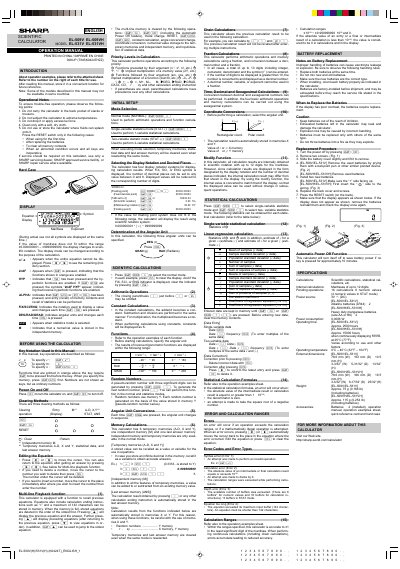
Sharp EL-509V/EL-531V Scientific Calculator Operation Manual
This is the operation manual for the Sharp EL-509V/EL-531V scientific calculator. It explains the display, key notation, power on/off, clearing methods, equation editing, and multi-line playback.
It also covers scientific and statistical calculations, error codes and calculation ranges, memory calculations, angular unit conversions, random numbers, and initial setup options such as mode and display notation.
Sharp EL-509V/EL-531V specifications
| Equation input buffer | 142 characters |
|---|---|
| Numeric value buffers | 8 |
| Calculation instruction buffers | 16 |
| Mantissa digits | up to 12 |
| Random number significant digits | 3 |
| Decimal places setting | 0 to 9 |
| Display notation systems | 4 |
| Temporary memories | 6 (A-D, X, Y) |
Source: Sharp EL-509V/EL-531V Scientific Calculator Operation Manual
All Sharp EL-509V/EL-531V documents by type
Day-to-day operation, settings and troubleshooting. Start here if the product is already set up.
Questions answered in these manuals
How do I turn the calculator on and off?
Press ª to turn it on and @F to turn it off.
From: Sharp EL-509V/EL-531V Scientific Calculator Operation Manual
When should the RESET switch be pressed?
Press it only when using the calculator for the first time, after replacing batteries, to clear all memory contents, or when an abnormal condition makes all keys inoperative.
From: Sharp EL-509V/EL-531V Scientific Calculator Operation Manual
When should the RESET switch be pressed?
Press the RESET switch when using the calculator for the first time, after replacing batteries, to clear all memory content, or if an abnormal condition occurs.
From: SHARP EL-509V/EL-531V Scientific Calculator User Manual
What does the '2ndF' indicator mean?
The '2ndF' symbol appears when the orange-colored functions above a key are enabled.
From: SHARP EL-509V/EL-531V Scientific Calculator User Manual