
Key facts
- Brand
- Sharp
- Model
- MX-M6570/MX-M7570
- Category
- All-in-one printer
- Industry
- Electronics
- Documents
- 2
- Languages
- ES · EN
- Last added
- 2026-11-17
Start here
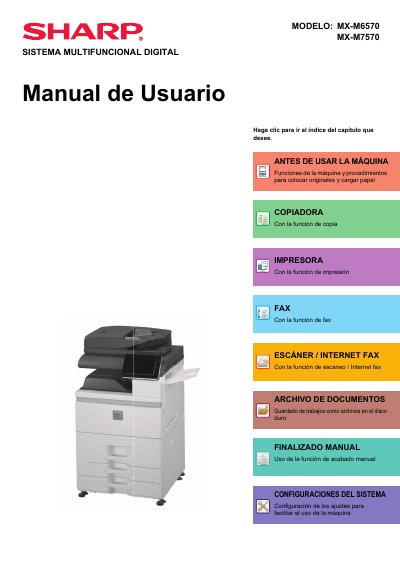
Sharp MX-M6570 MX-M7570 Digital Multifunction System User Manual
This manual provides detailed instructions for operating the Sharp MX-M6570 and MX-M7570 digital multifunction systems. It covers core functions including copying, printing, faxing, scanning, and document archiving on the hard disk, as well as system configuration and manual finishing options.
The document includes guidance on loading paper, placing originals, using the touch panel, managing user authentication, and performing basic maintenance such as replacing toner cartridges and clearing paper jams. This manual is written in Spanish.
All Sharp MX-M6570/MX-M7570 documents by type
Day-to-day operation, settings and troubleshooting. Start here if the product is already set up.
Questions answered in these manuals
What should I do if a machine operation does not perform as expected?
Click the 'return to main page' button to start the operation over again.
From: Sharp MX-M6570 MX-M7570 Digital Multifunction System User Manual
How can I handle paper jams in the machine?
Refer to the 'Atascos de Papel' (Paper Jams) section starting on page 1-205.
From: Sharp MX-M6570 MX-M7570 Digital Multifunction System User Manual
What is the maximum paper capacity for Tray 1?
A maximum of 1250 sheets (80 g/m2 (20 lbs.)) of paper can be loaded.
From: Sharp MX-M6570 MX-M7570 Digital Multifunctional System Quick Start Guide
What is the maximum paper capacity for Tray 5 (MX-LC19)?
A maximum of 3000 sheets (80 g/m2 (20 lbs.)) of paper can be loaded.
From: Sharp MX-M6570 MX-M7570 Digital Multifunctional System Quick Start Guide