
Key facts
- Brand
- Sharp
- Model
- EL-6890
- Category
- Other Electronics
- Industry
- Computers
- Documents
- 3
- Languages
- ES · EN
- Last added
- 2012-08-02
Start here
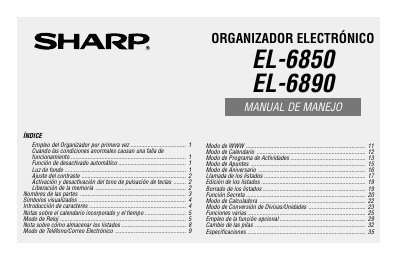
SHARP EL-6850 EL-6890 Manual
This manual provides instructions for the initial setup and operation of the SHARP EL-6850 and FL-6890 electronic organizers. It details how to initialize the device, adjust settings such as backlight and contrast, and manage data storage. The guide explains various modes including Clock, Calendar, Activity Program, Notes, and Calculator functions. This manual is written in Spanish.
Read onlineSharp EL-6890 specifications
| Operating Systems | Windows 2000 Professional, Windows 98, or Windows 95 |
|---|---|
| Hard Disk Space | 8MB free hard disk space |
| CPU (Windows 2000) | 133MHz or higher Pentium-compatible CPU |
| RAM (Windows 2000) | 64MB RAM available |
| CPU (Windows 98/95) | IBM-compatible 486 or Pentium-compatible |
| RAM (Windows 98/95) | 24MB RAM available |
| Storage Media | 3.5 disk drive |
All Sharp EL-6890 documents by type
Day-to-day operation, settings and troubleshooting. Start here if the product is already set up.
Questions answered in these manuals
What should I do if the organizer does not respond to keys?
Press the RESET switch if abnormal conditions cause a malfunction.
How long does the automatic shutdown function take?
The organizer shuts down automatically after approximately 7 minutes of inactivity.
What are the known incompatibilities for the PC Interface Software?
The software may not run reliably with certain 3D screen saver utility programs, virus scanning programs enabled, or power management features enabled.
What is the default format for backup file names?
The default name follows the PC clock system in the format of YYYYMMDD.BKE.
What should be done if data transfer problems occur?
Deactivate any antivirus software or power management features that might be running.
What is the default backup file format?
The default name follows the system clock in the format AAAAMMDD.BKE.