
Key facts
Start here
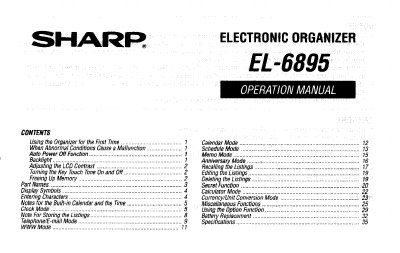
SHARP EL6895 Operation Manual
The document is a user guide for the Sharp FL-6895 electronic organizer. It details initial setup procedures, including initialization and clock setting. The guide explains how to use various modes such as Calendar, Schedule, Memo, Anniversary, Calculator, and Currency Conversion.
Key features described include the backlight function with adjustable intervals, LCD contrast adjustment, and secret functions protected by a password. The manual also covers data management tasks like editing listings, deleting entries, and freeing up memory.
Sharp EL-6895 specifications
| Operating Systems | Windows 2000 Professional, Windows 98, or Windows 95 |
|---|---|
| Hard Disk Space | 8MB free hard disk space |
| Monitor | VGA monitor or better |
| CPU (Windows 2000) | 133MHz or higher Pentium-compatible CPU |
| RAM (Windows 2000) | 64MB RAM available |
| RAM (Windows 98/95) | 24MB RAM available |
| Disk Drive | 3.5" disk drive |
| Port | One available serial port with D-sub 9-pin connector |
All Sharp EL-6895 documents by type
Day-to-day operation, settings and troubleshooting. Start here if the product is already set up.
Questions answered in these manuals
What happens if no keys are pressed for approximately 7 minutes?
The Organizer automatically turns the power off to save the batteries.
How long can the Backlight remain on after being turned on?
The Backlight stays on for an interval between 15 and 60 seconds that you can set.
What happens if I cancel the restoration process?
Canceling the restoration process does not prevent data deletion; all data in the EL-6895 will be deleted once the process starts.
What is the default backup file name format?
The default name is determined by the PC clock system in the format of "YYYYMMDD.BKE".