
Key facts
- Brand
- Sharp
- Model
- EL-506V
- Category
- Other Electronics
- Industry
- Electronics
- Documents
- 2
- Languages
- EN · ZH
- Last added
- 2012-08-02
Start here
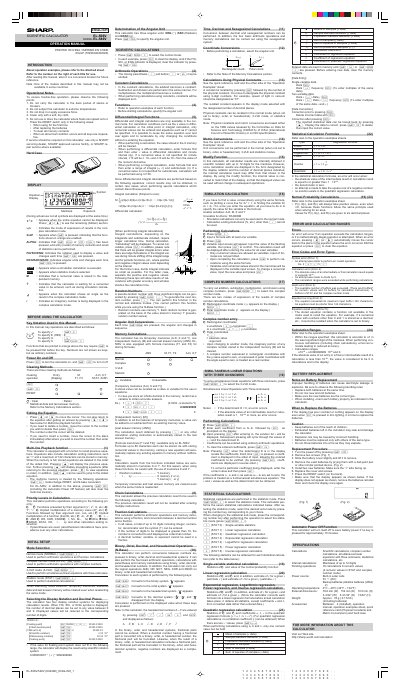
Sharp EL-506V/EL-546V Scientific Calculator Operation Manual
The document serves as an operation guide for the Sharp EL-506V and EL-546V scientific calculators. It details key notation, power operations, clearing methods, and equation editing procedures. The manual also explains various calculation modes including Normal, Complex (CPLX), 3-VLE, and Statistic modes.
Read onlineSharp EL-506V specifications
| Angular Units | DEG, RAD, GRAD |
|---|---|
| Memory Types | Six temporary memories, one independent memory, one last answer memory |
| Formula Memory Capacity | 80 characters each |
Source: Sharp EL-506V/EL-546V Scientific Calculator Operation Manual
All Sharp EL-506V documents by type
Day-to-day operation, settings and troubleshooting. Start here if the product is already set up.
Questions answered in these manuals
When should the RESET switch be pressed?
The RESET switch should only be pressed when using the calculator for the first time, after replacing batteries, to clear all memory contents, or if an abnormal condition occurs.
From: Sharp EL-506V/EL-546V Scientific Calculator Operation Manual
How many decimal places can be set?
The number of decimal places can be set to any value between 0 and 9 when the FIX, SCI, or ENG symbol is displayed.
From: Sharp EL-506V/EL-546V Scientific Calculator Operation Manual