
Key facts
- Brand
- Sharp
- Model
- EL6810
- Category
- Other Electronics
- Industry
- Electronics
- Documents
- 3
- Languages
- EN · ES
- Last added
- 2012-08-02
Start here
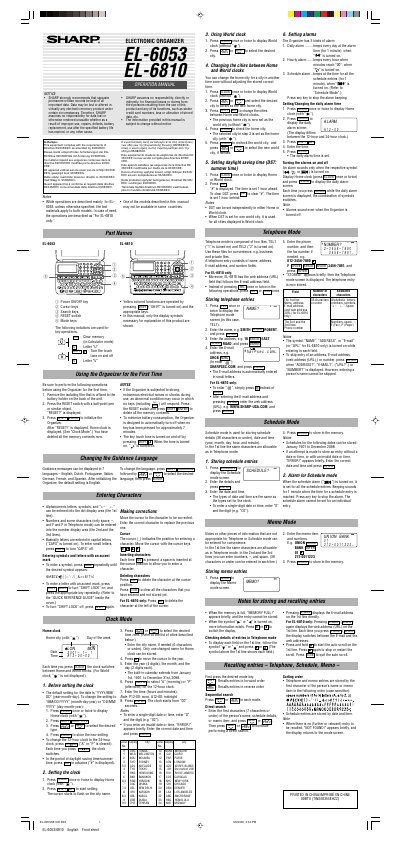
Sharp EL-6810 Electronic Organizer Operation Manual
This document is the Operation Manual for the Sharp EL-6810 Electronic Organizer. It details the initial setup procedures, including removing the isolating film and initializing the device. The guide explains how to change the guidance language and enter alphanumeric characters.
Read onlineSharp EL6810 specifications
| Date range | January 1st, 1901 to December 31st, 2098 |
|---|---|
| Auto-off timer | 7 minutes |
| Telephone fields | Name, Address, E-mail, Number, URL |
All Sharp EL6810 documents by type
Day-to-day operation, settings and troubleshooting. Start here if the product is already set up.
Questions answered in these manuals
What languages are supported?
The device supports English, Dutch, Portuguese, Italian, German, French, and Spanish.
How do I turn the touch tone on and off?
Press the SHIFT key followed by the appropriate key to toggle the touch tone.
What is the default date format for the organizer?
The default setting for the date is AAAA/MM/DD (year-month-day).
From: Sharp EL-6053/EL-6810 Electronic Organizer User Manual
What is the range of years covered by the built-in calendar?
The built-in calendar covers dates from January 1, 1901 to December 31, 2098.
From: Sharp EL-6053/EL-6810 Electronic Organizer User Manual
How many languages are available for guidance messages?
Guidance messages can be displayed in 7 languages: English, Dutch, Portuguese, Italian, German, French, and Spanish.
From: Sharp EL-6053/EL-6810 Electronic Organizer Operation Manual
What is the maximum length for a telephone name entry?
The allowable characters for the Name field are 36 or under.
From: Sharp EL-6053/EL-6810 Electronic Organizer Operation Manual