
Philips DC185 Docking Entertainment System user manual covering controls, power, FM tuner, iPod/USB playback, and troubleshooting.
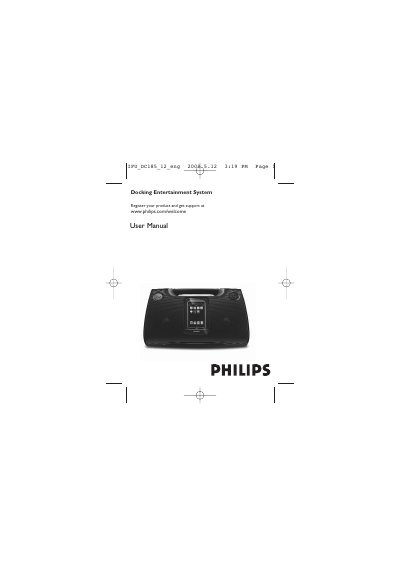
The Philips DC185 Docking Entertainment System user manual explains the system's controls and supplied accessories, including a power cable, dock doors, and an AUX-IN cable. It covers battery and AC mains power, basic operation, FM radio tuning and presets, docked iPod playback, USB, and troubleshooting.
The manual also includes hearing safety guidance, U.K. mains plug notes, environmental information, and product registration information for Philips support.
| Battery type | 6 x 1.5V R-14 / UM2 / C-cells |
|---|---|
| FM presets | Up to 20 FM radio stations |
| Radio band | FM only |
| AUX IN jack | 3.5 mm |
| Headphone socket | 3.5 mm stereo |
It uses six batteries, type R-14, UM-2 or C-cells.
You can store up to 20 FM radio stations in the memory.
The SOURCE button selects TUNER, iPod, USB, or AUX modes.
No, the DC185 buttons control playback of audio contents only; use the controls on the docked player to navigate the menu.