
Philips DC185 quick start guide: connecting the AC power cord, fitting iPod dock adapters, playing a USB device, and programming FM radio presets.
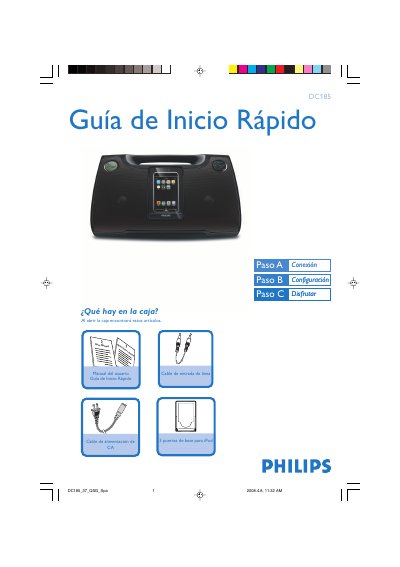
This Spanish quick start guide for the Philips DC185 docking system walks through three steps: connecting the system's AC power cord, setting up the iPod dock with the supplied adapters, and enjoying playback. It also lists what is included in the box.
The setup step explains how to choose and insert the right dock adapter, how to adjust the dock height, and how to install and remove an iPod. The playback step covers playing an iPod, playing audio files from a USB mass storage device, programming and tuning FM radio stations, and using the remote control, with a note that detailed functions are described in the supplied user manual. This manual is written in Spanish.
| Included iPod dock adapters | 3 dock adapters, each marked for a matching iPod type |
|---|---|
| USB mass storage support | USB flash memory and USB flash players (USB 2.0 or USB 1.1) |
| Radio tuner | FM tuner with preset programming |
| Power supply | Supplied AC power cord only |
Three iPod dock adapters are included, and each one carries a marking showing which iPod type it matches.
Insert the USB connector into the socket on top of the system, press SOURCE until USB is selected, then play the audio files with the playback buttons.
Press MODE on the remote control for more than two seconds to program all available stations in frequency order.
The supplied owner's manual describes detailed playback functions and additional features.