
This manual provides instructions for setting up, connecting, and using the Philips 6400 series Ultra HD Android TV, including installation, app usage, and…
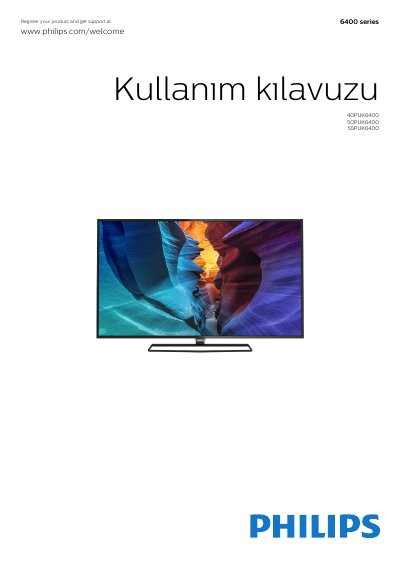
This document is the user manual for the Philips 6400 series Ultra HD Android TV. It covers the complete user experience, from initial setup and installation to daily operation. Key features highlighted include the Ultra Pixel HD Motor for upscaling signals, built-in Google Play for streaming apps, and connectivity options for smartphones, tablets, and external devices via Bluetooth and HDMI. This manual is written in Turkish.
| Resolution | 8 million pixels |
|---|---|
| Operating System | Android TV |
| VESA Mount | 200x200 (40PUx6400), 400x200 (50/55PUx6400) |
The ideal viewing distance is three times the diagonal screen size.
Yes, you can use the Philips TV Remote App on your smartphone or tablet.
You should use an IEC Coaxial 75 Ohm RF antenna cable.