
User manual for the Philips 22PFL3409/93 TV, covering basic operation, channel installation, picture and sound settings, connections, and troubleshooting.
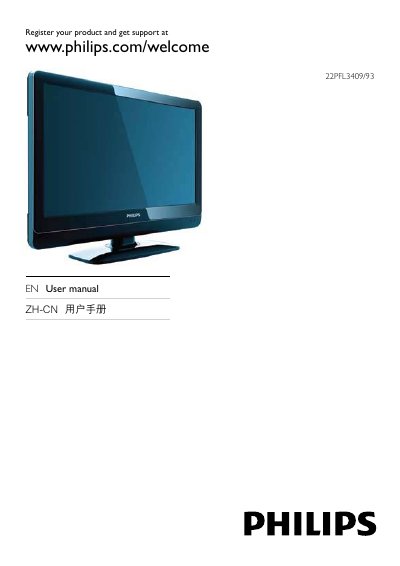
This user manual for the Philips 22PFL3409/93 TV explains the side and remote controls and basic operations such as switching on, changing channels, watching connected devices, and adjusting volume. It also covers TV menus, picture and sound settings, favourite channel lists, timers, TV lock, clock, preferences, demo mode, and resetting to factory settings.
The guide includes automatic and manual channel installation, renaming and rearranging channels, and connecting devices through the back and side connectors, including a computer. It also describes Philips EasyLink, the Kensington lock, supported display resolutions, troubleshooting, and recycling information.
| Effective pixels | 99.999% or more |
|---|
Use the Standby-On control on the remote control; it switches the TV to standby if it is on.
Make sure the power voltage matches the value printed on the back of the TV.
Leave a space of at least 10 cm around the TV for ventilation.