
This manual provides installation, operation, image optimization, and troubleshooting instructions for the Philips 19B4 monitor.
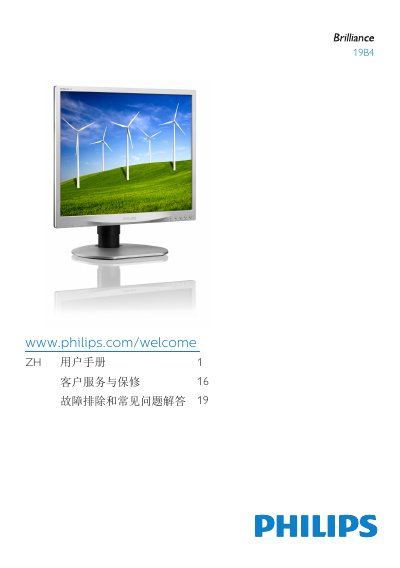
This user manual covers the setup and operation of the Philips 19B4 monitor. It includes instructions for installing the stand, connecting the monitor to a PC via VGA or DVI, and using the control buttons to access the On-Screen Display (OSD) menu. The guide details how to adjust settings such as SmartImage modes (Office, Photo, Movie, Game, Economy) and speaker volume. This manual is written in Chinese.
The package includes the monitor, a CD, a VGA cable, a DVI cable, and an audio cable.
It states a temperature range of 0-40 ºC (32-104 ºF).
Immediately turn off the power and unplug the power cord, then remove the object or dry the water and send the monitor to a service center for inspection.