
Key facts
- Brand
- Panasonic
- Model
- TC-P50C1
- Category
- Television
- Industry
- Appliances
- Documents
- 2
- Languages
- EN
- Last added
- 2012-08-03
Start here
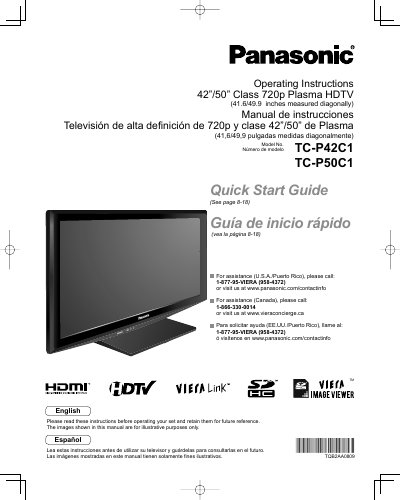
Panasonic TC-P42C1/TC-P50C1 Plasma HDTV Operating Instructions
This manual provides operating instructions for the Panasonic TC-P42C1 and TC-P50C1 Class 720p Plasma HDTVs. It includes a Quick Start Guide, basic connection steps, control identification, and first-time setup procedures. The document also covers advanced features such as VIERA Link™, HDAVI Control™, menu functions for picture and sound quality, channel editing, closed captioning, input labels, and timer usage.
Read onlinePanasonic TC-P50C1 specifications
| Screen Size Class | 42"/50" Class |
|---|---|
| Diagonal Measurement (US) | 41.6/49.9 inches |
| Resolution | 720p |
Source: Panasonic TC-P42C1/TC-P50C1 Plasma HDTV Operating Instructions
All Panasonic TC-P50C1 documents by type
Day-to-day operation, settings and troubleshooting. Start here if the product is already set up.
Questions answered in these manuals
How do I get assistance in the U.S.A. or Puerto Rico?
Call 1-877-95-VIERA (958-4372) or visit www.panasonic.com/contactinfo.
From: Panasonic TC-P42C1/TC-P50C1 Plasma HDTV Operating Instructions
How do I get assistance in Canada?
Call 1-866-330-0014 or visit www.vieraconcierge.ca.
From: Panasonic TC-P42C1/TC-P50C1 Plasma HDTV Operating Instructions
What is the diagonal screen size of this TV?
The screen size is 42"/50" Class, which measures 41.6/49.9 inches diagonally.
From: Panasonic TC-P42C1 TC-P50C1 Plasma HDTV Operating Instructions
Where can I find the Quick Start Guide?
The Quick Start Guide is located on pages 8 through 18 of this manual.
From: Panasonic TC-P42C1 TC-P50C1 Plasma HDTV Operating Instructions