
This document is a Panasonic TV user manual, which provides detailed instructions on how to use the TV's various functions, including how to connect the power, how to connect external devices, and how to use the remote control.
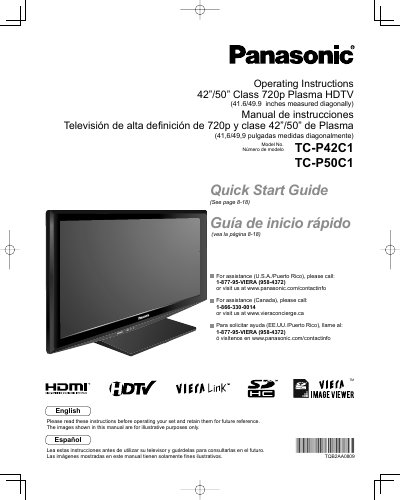
This manual provides operating instructions for the Panasonic TC-P42C1 and TC-P50C1 Class 720p Plasma HDTVs. It includes a Quick Start Guide, basic connection steps, control identification, and first-time setup procedures. The document also covers advanced features such as VIERA Link™, HDAVI Control™, menu functions for picture and sound quality, channel editing, closed captioning, input labels, and timer usage.
| Screen Size Class | 42"/50" Class |
|---|---|
| Diagonal Measurement (US) | 41.6/49.9 inches |
| Resolution | 720p |
Call 1-877-95-VIERA (958-4372) or visit www.panasonic.com/contactinfo.
Call 1-866-330-0014 or visit www.vieraconcierge.ca.