
Key facts
- Brand
- Panasonic
- Model
- PT-D7600U
- Category
- Board
- Industry
- Electronics
- Documents
- 3
- Languages
- EN
- Last added
- 2012-08-08
Start here
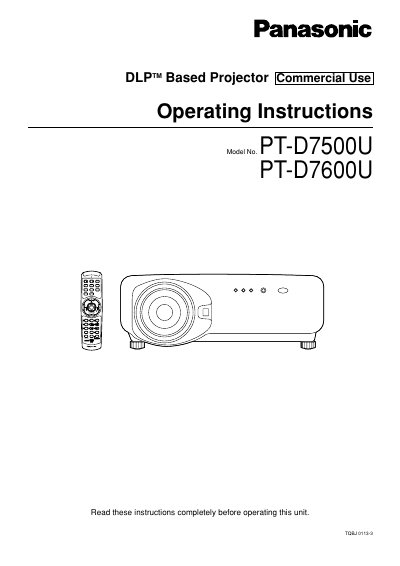
Panasonic PT-D7500U/PT-D7600U DLP Projector Operating Instructions
This manual provides operating instructions for the Panasonic PT-D7500U and PT-D7600U DLP-based projectors intended for commercial use. It covers safety precautions, installation procedures, and connection methods for various input devices including video, personal computers, and signal selectors. The guide details how to use the remote control, adjust the lens, and configure on-screen menus for picture and system settings.
Read onlineAll Panasonic PT-D7600U documents by type
Day-to-day operation, settings and troubleshooting. Start here if the product is already set up.
Questions answered in these manuals
What is the MotorGuard intended to be connected to?
The MotorGuard is designed to connect to the output terminals of a variable frequency drive (VFD).
How long must capacitors discharge before working on the equipment?
You must wait 5 minutes for capacitors to discharge after switching off the power.
What is the warranty period for the MotorGuard?
The product is warranted to be free from defects in materials and workmanship for a period of one year originating on the date of shipment, not to exceed 18 months.
Who is authorized to perform electrical installation and maintenance?
Only qualified electricians should carry out all electrical installation and maintenance work on the MotorGuard.
What type of projector is this manual for?
This manual covers the Panasonic DLP™ Based Projector models PT-D7500U and PT-D7600U.
From: Panasonic PT-D7500U/PT-D7600U DLP Projector Operating Instructions
What safety precaution is required regarding the power plug?
You must not remove the grounding pin on the three-pin power plug.
From: Panasonic PT-D7500U/PT-D7600U DLP Projector Operating Instructions