
Panasonic PT-D7500U/PT-D7600U DLP Projector Operating Instructions

DLPTM projector commercial use operating instructions. Describes the features and characteristics of the DLPTM projector.
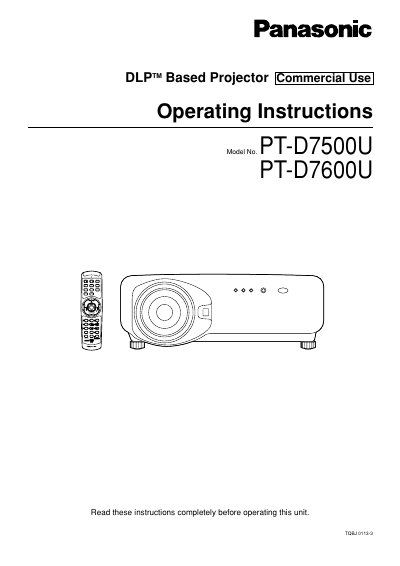

Panasonic PT-D7500U/PT-D7600U DLP Projector Operating Instructions - cover page
Brand
Panasonic
Category
Projector
Document type
User Manual
Language
English
Pages
112
File format
PDF
File size
2.2 MB
Published
07 August, 2012
Updated
28 September, 2023
MD5 checksum
2C0667E7ACC0E4A36F8C5077B787DB03

About this manual

This manual provides operating instructions for the Panasonic PT-D7500U and PT-D7600U DLP-based projectors intended for commercial use. It covers safety precautions, installation procedures, and connection methods for various input devices including video, personal computers, and signal selectors. The guide details how to use the remote control, adjust the lens, and configure on-screen menus for picture and system settings.

What's inside

  • IMPORTANT SAFETY NOTICE
  • Accessories
  • Using the remote control unit
  • Connection
  • Projection
  • On-screen menus
  • Adjusting the picture
  • Cleaning and replacement of air filter
  • Replacement of lamp unit
  • Specifications

Frequently asked questions

What type of projector is this manual for?

This manual covers the Panasonic DLP™ Based Projector models PT-D7500U and PT-D7600U.

What safety precaution is required regarding the power plug?

You must not remove the grounding pin on the three-pin power plug.

What should you do if you notice smoke coming from the projector?

Turn off the power and disconnect the power cord from the wall outlet immediately.

Download PDF (2.2 MB)

More Panasonic Manuals


View all Panasonic manuals →