
Key facts
Start here
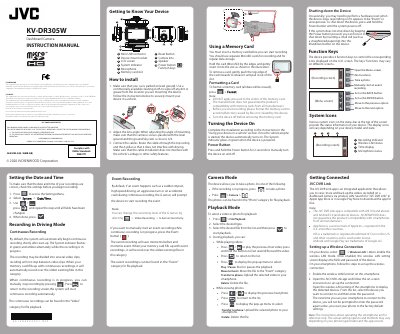
JVC KV-DR305W Dashboard Camera Instruction Manual
User Manual 3 pages · 4.1 MB · EN
This instruction manual provides guidance for the JVC KV-DR305W Dashboard Camera. It details how to install the device in a vehicle, connect the power adapter, and insert a memory card. The guide explains how to set the date and time, configure recording modes such as continuous and event recording, and use the G-sensor sensitivity settings.
Read onlineAll JVC KV-DR305W documents by type
User Manual 2
Day-to-day operation, settings and troubleshooting. Start here if the product is already set up.
Questions answered in these manuals
How do I format the memory card?
Insert the microSD card, then press [EE] > Format; all data on the card will be erased.
How do I manually turn the device on and off?
Press and hold the Power button for 2 seconds to manually turn the device on and off.
What happens if the device stops responding or appears frozen?
You can force it to shut down by inserting a small rod, such as a straightened paperclip, into the Shutdown button on the device.