
The JVC KV-DR305W dashboard camera instruction manual provides setup, operation, wireless connection, and safety guidelines.
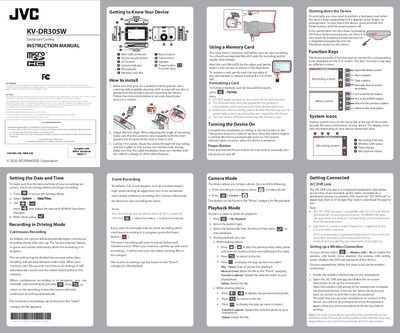
This manual explains how to install the JVC KV-DR305W dashboard camera in a vehicle, adjust the lens angle, and connect power and cables. It also covers basic operation such as turning the device on, setting date and time, and using the camera modes for continuous and event recording.
Additional sections describe memory‑card handling, formatting, wireless LAN setup with the JVC DVR Link app, system settings, playback functions, and safety precautions. Technical specifications and supported SD‑card details are listed at the end of the document.
| Picture format | Built‑in JPEG (max 1920 × 1080) |
|---|
Insert the microSD card, then press [EE] > Format; all data on the card will be erased.