
Key facts
Start here
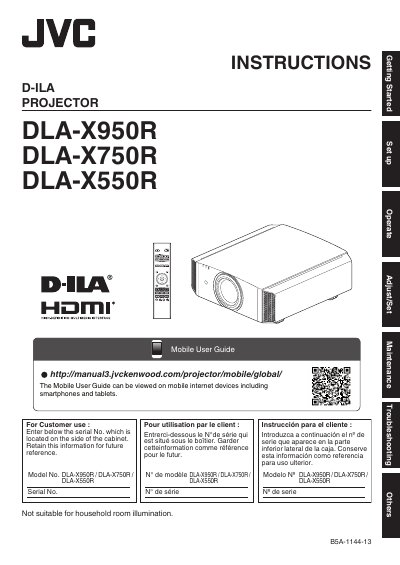
JVC DLA-X950R DLA-X750R DLA-X550R D-ILA Projector User Manual
This user manual provides safety precautions, installation instructions, operation guidelines, maintenance tips, and troubleshooting for the JVC D-ILA projector models DLA-X950R, DLA-X750R, and DLA-X550R. It includes warnings about handling the high-intensity discharge lamp and electrical safety, as well as guidance on proper ventilation and mounting. The manual also covers FCC compliance and disposal regulations for mercury-containing lamps.
The document is designed for users to set up, operate, and maintain the projector safely, with detailed steps for connecting equipment, avoiding interference, and handling power issues. It advises keeping the projector away from moisture, water, and heat sources, and recommends using only manufacturer-approved parts for repairs.
JVC DLA-X750R specifications
| Supported Projector Models (X750R) | DLA-X750R, DLA-X950R, DLA-X7000, DLA-X9000, DLA-XC7890R, DLA-RS500, DLA-RS600 |
|---|---|
| Supported Optical Sensor | Spyder5 ELITE/PRO by Datacolor |
| Operating System Support | Windows 7 (32-bit, 64-bit), Windows 8 (32-bit, 64-bit), Windows 10 (32-bit, 64-bit) |
| Minimum Memory Requirement | 1 GB or more |
| Minimum HDD Space | 256 MB or more |
Source: JVC Projector Calibration Software 7 User Manual for DLA-X750R/DLA-X550R
All JVC DLA-X750R documents by type
Day-to-day operation, settings and troubleshooting. Start here if the product is already set up.
Questions answered in these manuals
What equipment is required to use the calibration software?
You need a PC, a LAN cable, and an optical sensor (Spyder5 ELITE/PRO by Datacolor).
From: JVC Projector Calibration Software 7 User Manual for DLA-X750R/DLA-X550R
Can I use Macintosh systems with this software?
No, Macintosh systems are not supported.
From: JVC Projector Calibration Software 7 User Manual for DLA-X750R/DLA-X550R
What is the model number of this projector?
The model number is DLA-X950R, DLA-X750R, or DLA-X550R.
From: JVC DLA-X950R DLA-X750R DLA-X550R D-ILA Projector User Manual
What is the projector not suitable for?
It is not suitable for household room illumination.
From: JVC DLA-X950R DLA-X750R DLA-X550R D-ILA Projector User Manual