
JVC KV-DR305W Dashboard Camera Instruction Manual

This is an instruction manual for a dashboard camera. The manual introduces how to turn on and off the device, how to use function keys, how to set date and time, how to record events, etc.
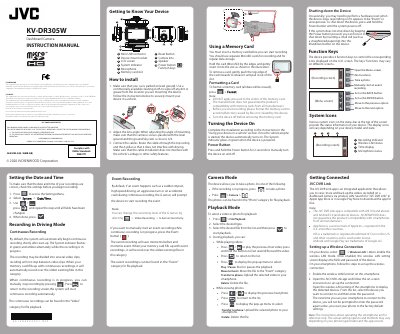

JVC KV-DR305W Dashboard Camera Instruction Manual - cover page
Brand
JVC
Category
Car
Document type
User Manual
Language
English
Pages
3
File format
PDF
File size
4.1 MB
Published
19 October, 2023
Updated
19 October, 2023
MD5 checksum
65DD049F3B336B362D168093744780E9

About this manual

This instruction manual provides guidance for the JVC KV-DR305W Dashboard Camera. It details how to install the device in a vehicle, connect the power adapter, and insert a memory card. The guide explains how to set the date and time, configure recording modes such as continuous and event recording, and use the G-sensor sensitivity settings.

What's inside

  • Getting to Know Your Device
  • How to install
  • Setting the Date and Time
  • Recording in Driving Mode
  • Event Recording
  • Using a Memory Card
  • Turning the Device On
  • Playback Mode
  • Getting Connected
  • Setting up a Wireless Connection

Frequently asked questions

How do I manually turn the device on and off?

Press and hold the Power button for 2 seconds to manually turn the device on and off.

What happens if the device stops responding or appears frozen?

You can force it to shut down by inserting a small rod, such as a straightened paperclip, into the Shutdown button on the device.

What are the minimum operating system requirements for the JVC DVR Link app?

The app is compatible with iOS 9.0 (and above) and Android 5.0 (and above) devices.

Download PDF (4.1 MB)

More JVC Manuals


View all JVC manuals →