
Key facts
Start here
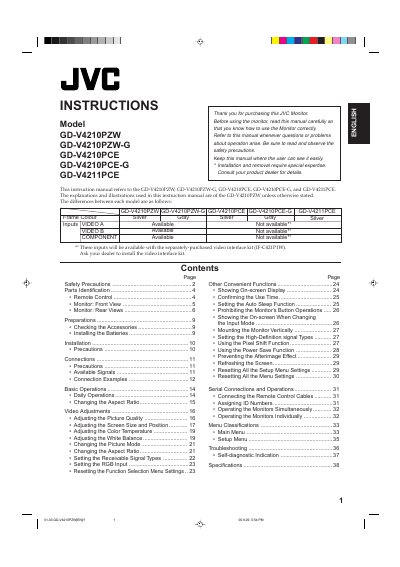
JVC GD-V4210PZW Monitor User Manual
This user manual provides instructions for installing, operating, and troubleshooting the JVC GD-V4210PZW monitor. It includes sections on safety precautions, parts identification, connections, basic operations, video adjustments, and troubleshooting. The manual also covers advanced features like aspect ratio settings, color temperature, and power-saving functions. Safety warnings are emphasized to prevent fire or electric shock hazards.
Read onlineAll JVC GD-V4210PZW documents by type
Day-to-day operation, settings and troubleshooting. Start here if the product is already set up.
Questions answered in these manuals
What models does this manual cover?
The manual covers GD-V4210PZW, GD-V4210PZW-G, GD-V4210PCE, GD-V4210PCE-G, and GD-V4211PCE.
What is required before installing the monitor?
Installation and removal require special expertise. Consult your product dealer for details.
What models does this manual cover?
This manual applies to the GD-V4210PZW, GD-V4210PZW-G, GD-V4210PCE, GD-V4210PCE-G, and GD-V4211PCE models.
From: JVC GD-V4210PZW/GD-V4210PZW-G/GD-V4210PCE/GD-V4210PCE-G/GD-V4211PCE Monitor User's Manual
What are the frame colors for the different models?
The GD-V4210PZW and GD-V4210PCE models have silver frames, while the GD-V4210PZW-G and GD-V4210PCE-G models have gray frames.
From: JVC GD-V4210PZW/GD-V4210PZW-G/GD-V4210PCE/GD-V4210PCE-G/GD-V4211PCE Monitor User's Manual