
Key facts
- Brand
- JVC
- Model
- GZ-HM330
- Category
- Camcorders
- Industry
- Electronics
- Documents
- 2
- Languages
- ZH
- Last added
- 2026-11-20
Start here
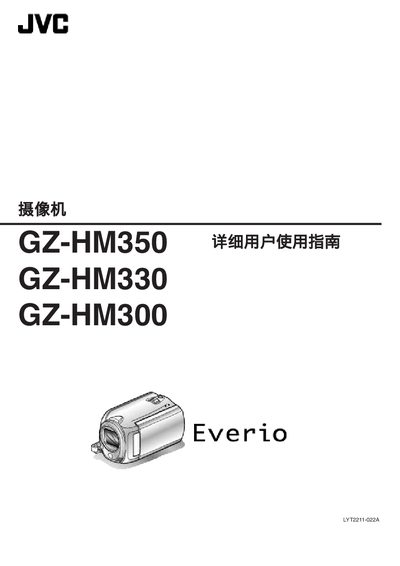
JVC camcorder GZ-HM330AC user manual
This manual covers everything needed to operate the GZ‑HM350, GZ‑HM330 and GZ‑HM300 camcorders, including setup, battery charging, SD‑card insertion, recording modes, playback functions, and menu settings. It also provides guidance for shooting in various situations such as weddings, travel, and holidays.
Technical specifications, connectivity options (HDMI, component, AV, USB), and maintenance procedures are detailed in later sections, along with troubleshooting tips and safety warnings. This manual is written in Chinese.
JVC GZ-HM330 specifications
| Maximum USB external hard drive capacity | 2 TB |
|---|---|
| USB cable interface | Mini-A (male) and Mini-B (male) |
| Copy time example | 1 hour video in XP mode takes 20 minutes |
Source: JVC GZ-HM330 User Manual
All JVC GZ-HM330 documents by type
Day-to-day operation, settings and troubleshooting. Start here if the product is already set up.
Questions answered in these manuals
What USB cable should be used with the external hard drive?
Use a USB cable with Mini-A (male) and Mini-B (male) interfaces.
From: JVC GZ-HM330 User Manual
What is the maximum capacity for the USB external hard drive?
The capacity must not exceed 2 TB.
From: JVC GZ-HM330 User Manual
How do I charge the battery?
Connect the AC adapter to the camcorder; recording cannot be done while the battery is charging.
What SD card types are supported?
The manual lists the compatible SD‑card types for each model in the SD‑card insertion section.