
Key facts
- Brand
- JVC
- Model
- HD-56GC87
- Category
- Television
- Industry
- Electronics
- Documents
- 2
- Languages
- EN
- Last added
- 2026-11-20
Start here
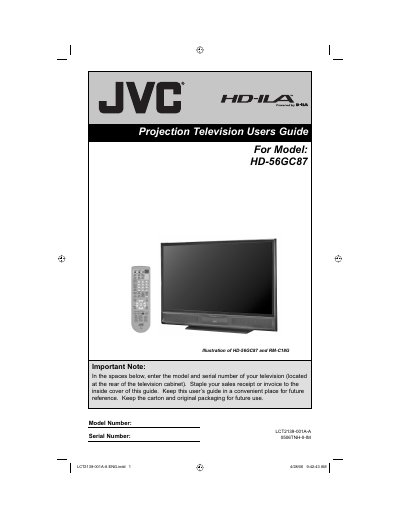
JVC HD-56GC87 Projection Television Users Guide
This user guide covers the JVC HD-56GC87 projection television. It provides fields for the model and serial number and gives safety precautions for power, ventilation, installation, cleaning, and servicing.
The guide explains that the JVC HD-56GC87 uses a lamp to project the picture onto the screen. It describes warm-up and cooling behavior, LAMP LED indications, ventilation requirements, and lamp replacement and recycling cautions.
JVC HD-56GC87 specifications
| Television type | HDTV-ready projection television |
|---|---|
| Projection system | HD-ILA projection system |
| Image source | Lamp projects the picture onto the screen |
| Lamp warm-up time | Approximately one minute |
| Cooling time after power off | Approximately 90 seconds |
All JVC HD-56GC87 documents by type
Day-to-day operation, settings and troubleshooting. Start here if the product is already set up.
Questions answered in these manuals
How long does the JVC HD-56GC87 lamp take to warm up?
It takes approximately one minute for the lamp to warm up to normal operating temperature.
Can the JVC HD-56GC87 be turned off during warm-up?
No. The guide says it is impossible to turn the power off during this period.
How long does it take for the lamp to warm up?
It takes approximately one minute for the lamp to warm up to its normal operating temperature.
How long does the cooling process take after turning off the TV?
The cooling process takes approximately 90 seconds after the screen goes dark.