
Key facts
- Brand
- JVC
- Model
- HD-56G786
- Category
- Television
- Documents
- 2
- Languages
- EN
- Last added
- 2023-11-01
Start here
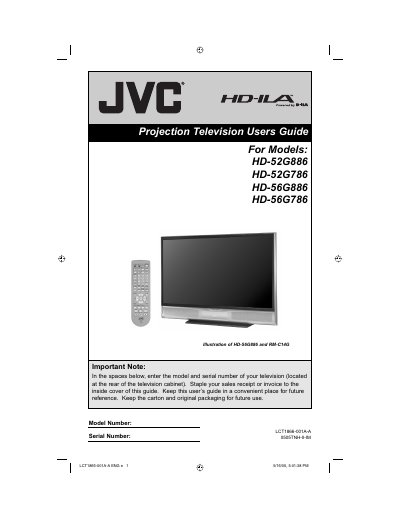
JVC HD-52G886 HD-52G786 HD-56G886 HD-56G786 Projection Television User's Guide
This JVC Users Guide covers the HD-52G886, HD-52G786, HD-56G886, and HD-56G786 HDTV-ready projection televisions, which use the HD-ILA projection system. It begins with important safety precautions, installation cautions, and an FCC notice, then explains lamp warm-up and cooling behavior.
The guide also gives care instructions for the cabinet and screen and notes that the lamp is a user-replaceable consumable that must be recycled. It is intended for users setting up and operating the television.
JVC HD-56G786 specifications
| Projection system | HD-ILA |
|---|---|
| Lamp warm-up time | Approximately one minute |
| Cooling time | Approximately 90 seconds |
| Front panel indicators | 2 LED indicators |
| Lamp type | High Intensity Discharge (HID) lamp containing mercury |
| Lamp replaceability | User replaceable |
Source: JVC HD-52G886 HD-52G786 HD-56G886 HD-56G786 Projection Television User's Guide
All JVC HD-56G786 documents by type
Day-to-day operation, settings and troubleshooting. Start here if the product is already set up.
Questions answered in these manuals
How long does the television take to warm up after I press POWER?
It takes approximately one minute for the lamp to warm up to its normal operating temperature.
From: JVC HD-52G886 HD-52G786 HD-56G886 HD-56G786 Projection Television User's Guide
Can I turn the television off during lamp warm-up?
No. It is not possible to turn the power off during this period; after one or more minutes have passed, you can turn it off.
From: JVC HD-52G886 HD-52G786 HD-56G886 HD-56G786 Projection Television User's Guide
How long does the lamp take to warm up after turning the TV on?
The lamp warms up for approximately one minute before the picture reaches full brightness.
From: JVC HD-52G886/HD-52G786/HD-56G886/HD-56G786 Projection Television User Guide