
This JVC GZ-HM330 user manual explains how to connect and use a USB external hard drive to copy and play video and still image files.
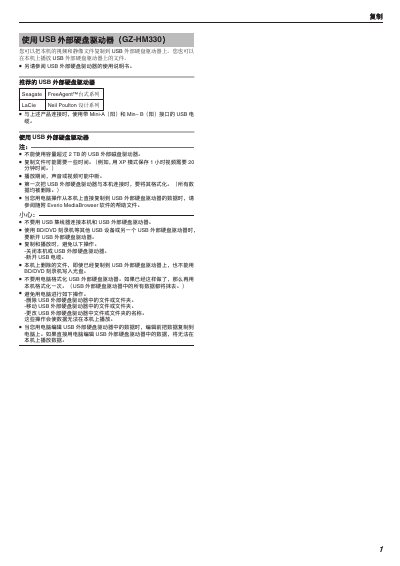
This page from the JVC GZ-HM330 user manual describes using a USB external hard drive with the unit. It explains how to copy video and still image files from the unit to the drive and play files from the drive on the unit.
It lists recommended USB external hard drives, connection and formatting requirements, and cautions such as avoiding USB hubs and not disconnecting the cable during copying or playback. This manual is written in Chinese.
| Maximum USB external hard drive capacity | 2 TB |
|---|---|
| USB cable interface | Mini-A (male) and Mini-B (male) |
| Copy time example | 1 hour video in XP mode takes 20 minutes |
Use a USB cable with Mini-A (male) and Mini-B (male) interfaces.
The capacity must not exceed 2 TB.
Yes, it must be formatted the first time it is connected to the unit, and all data will be deleted.
No, do not connect the unit and the USB external hard drive using a USB hub.