
Key facts
- Brand
- JVC
- Model
- EM39T
- Category
- Television
- Industry
- Appliances
- Documents
- 2
- Languages
- ZH · EN
- Last added
- 2026-11-11
Start here
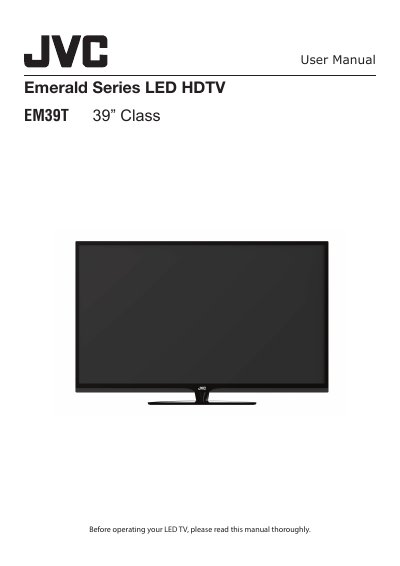
JVC Emerald Series LED HDTV EM39T User Manual
This manual covers all essential information for installing and using the JVC Emerald Series EM39T LED HDTV. It begins with important safety instructions, antenna grounding, and DTV transition advice, then walks you through unpacking, stand attachment, and connecting peripherals such as HDMI, USB, and external speakers.
Later sections describe picture and audio menu settings, wall‑mount installation, troubleshooting tips, specifications, and warranty information, helping owners get the most out of their television while maintaining safety and compliance.
JVC EM39T specifications
| Display Size Class | 39" Class |
|---|---|
| Resolution | 1920 x 1080 / 16:9 |
| Backlighting | E-LED |
| Contrast Ratio | 20M:1 |
| Refresh Rate | 60Hz |
| Speaker Output Power | 20W (10W x 2) |
| Weight (without Stand) | 20.9 lbs |
| HDMI Inputs | 2 |
| VESA Mount Pattern | 200 x 200mm |
All JVC EM39T documents by type
Day-to-day operation, settings and troubleshooting. Start here if the product is already set up.
Questions answered in these manuals
Does the JVC EM39T support HDMI-CEC and HDMI-ARC?
Yes, the TV supports both HDMI-CEC and HDMI-ARC.
What audio technologies are included in the JVC EM39T?
It includes XinemaSound 3D acoustic and post processing and Dolby Digital decode.
How can I register my JVC TV for support?
You can register the TV on the JVC website at go.jvc.com/HDTVSupport or by mailing the product registration card included in the manual.
How should I handle condensation when moving the TV to a new room?
Let the TV stand in its new environment for about an hour before turning it on, allowing the temperature to rise gradually.